Media Agent
The AI image generator for social media that knows your brand
Listing cards with the price and the bedrooms. Price lists that line up. A week’s timetable. Describe it once and get up to 4 takes, with your logo and colours, in the shape each network wants - right beside the post.
14 days free with 50 AI credits included. No card required.
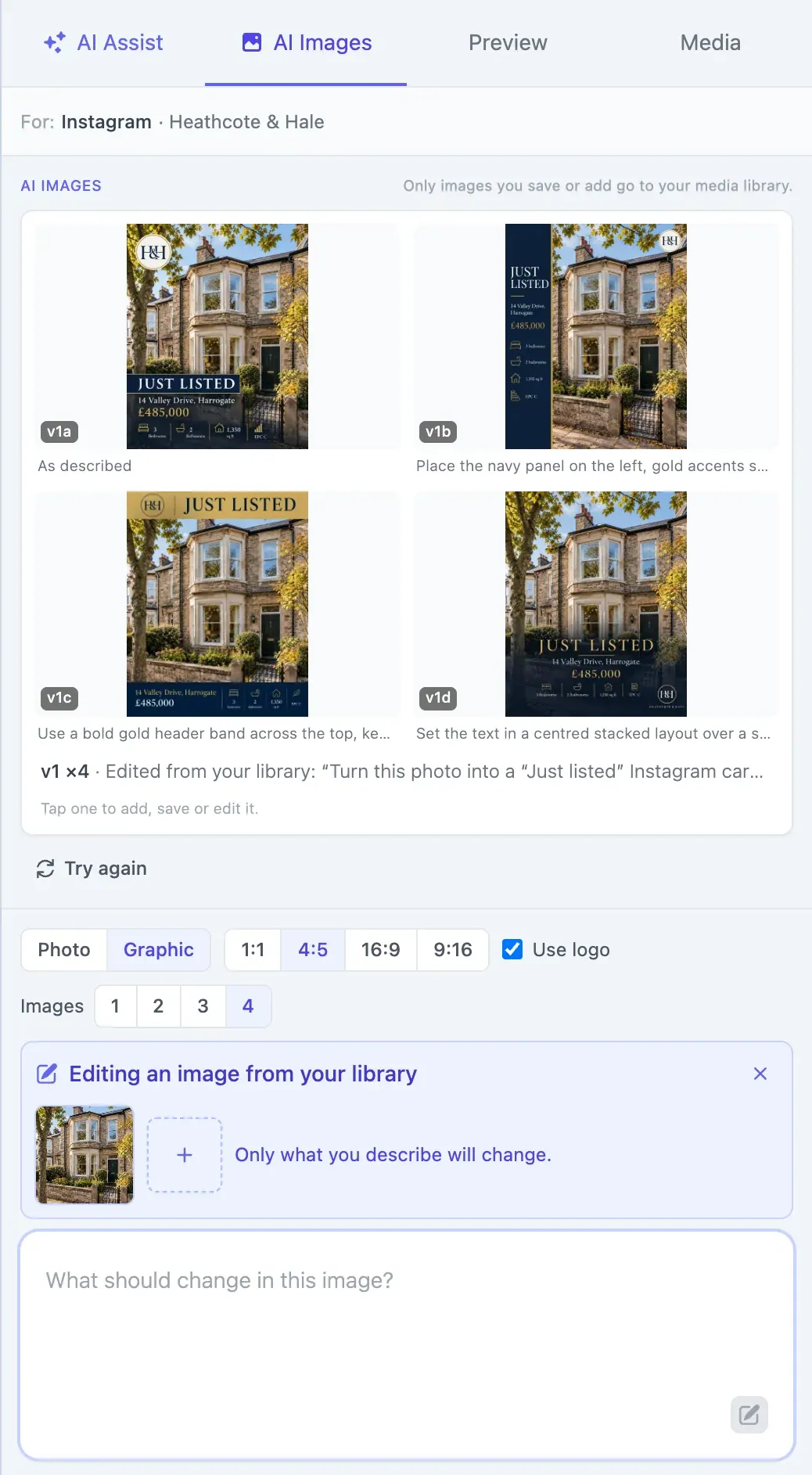
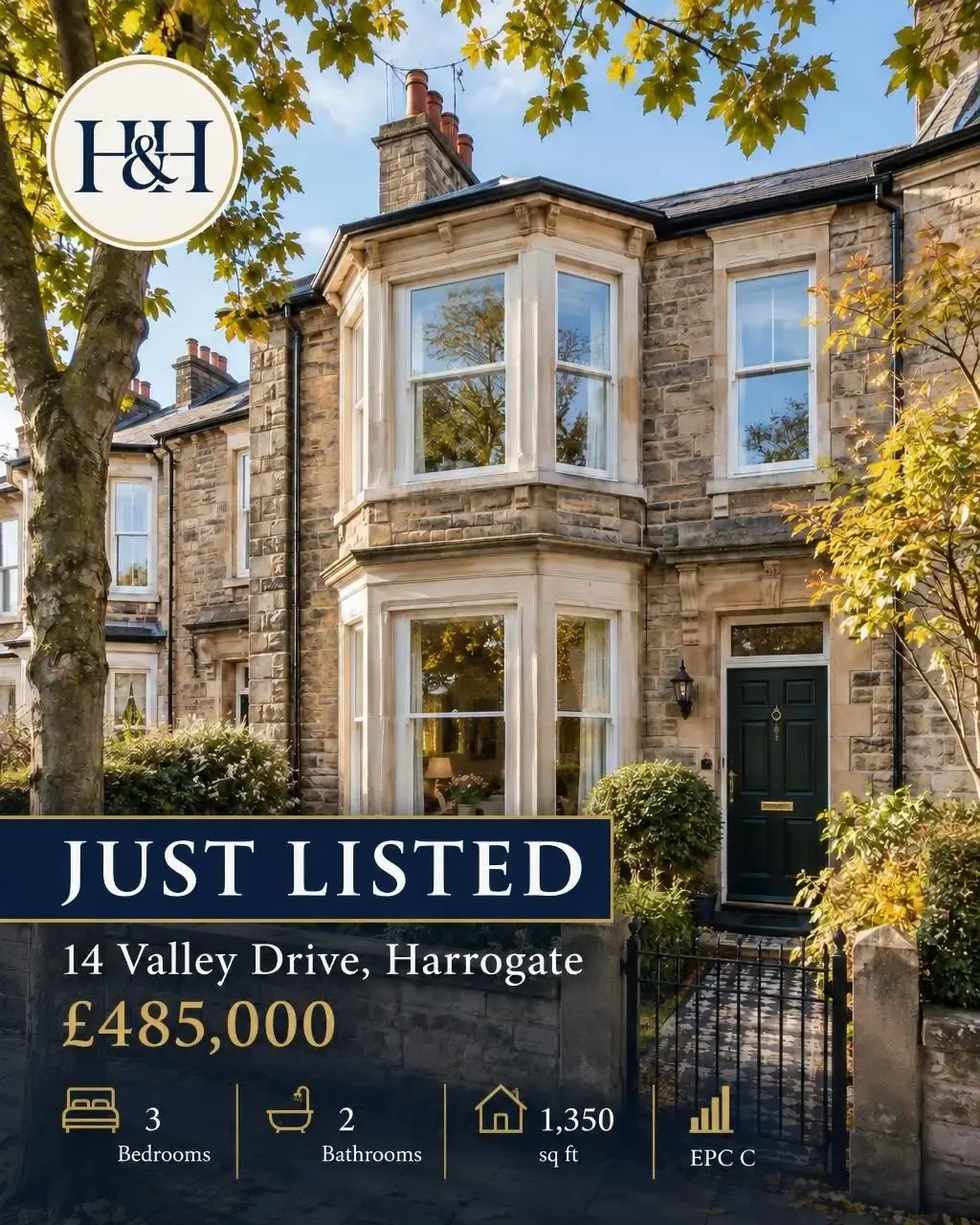
v1a · As described
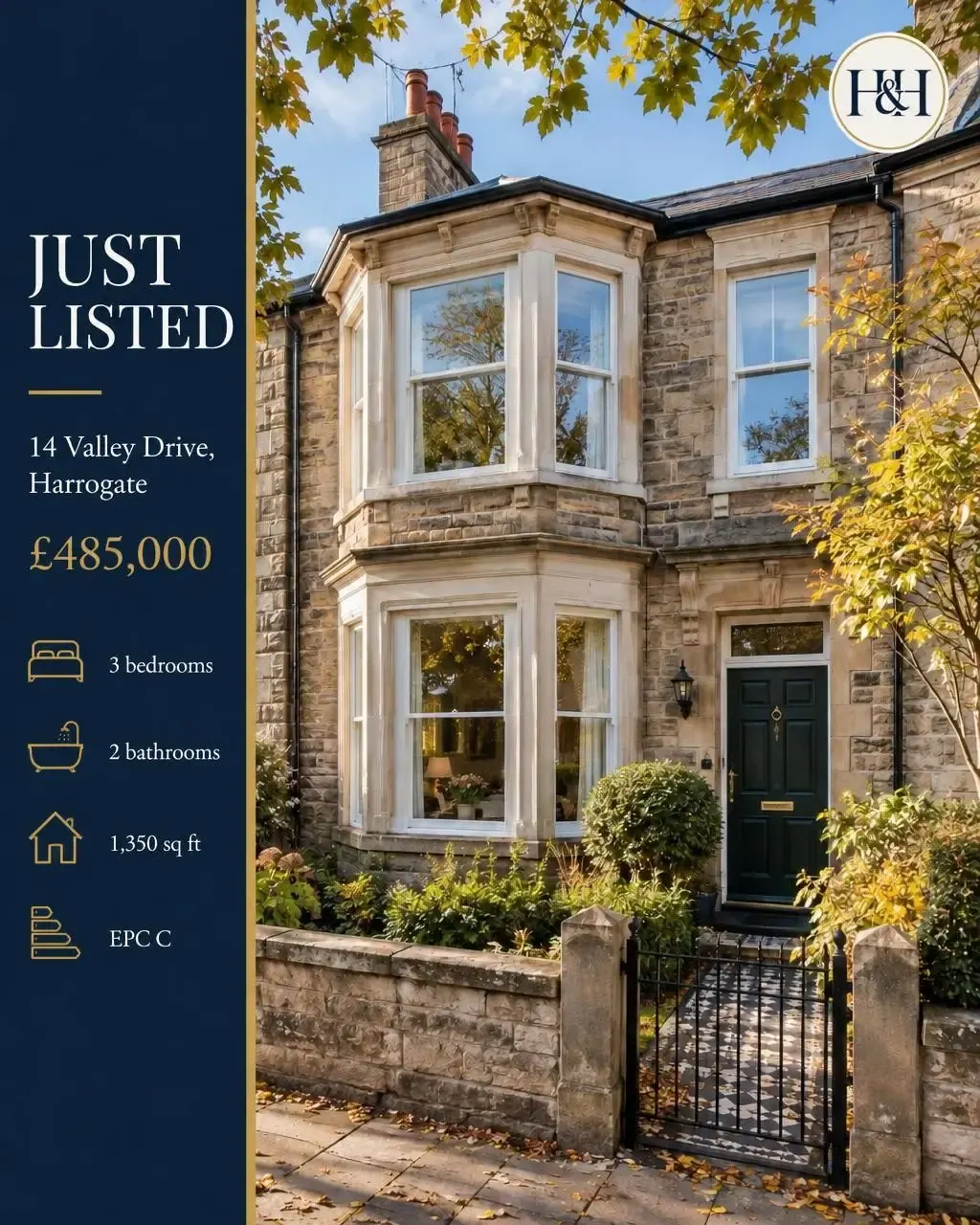
v1b · Place the navy panel on the left, gold accents sparingly, with the logo small in the top-right corner.
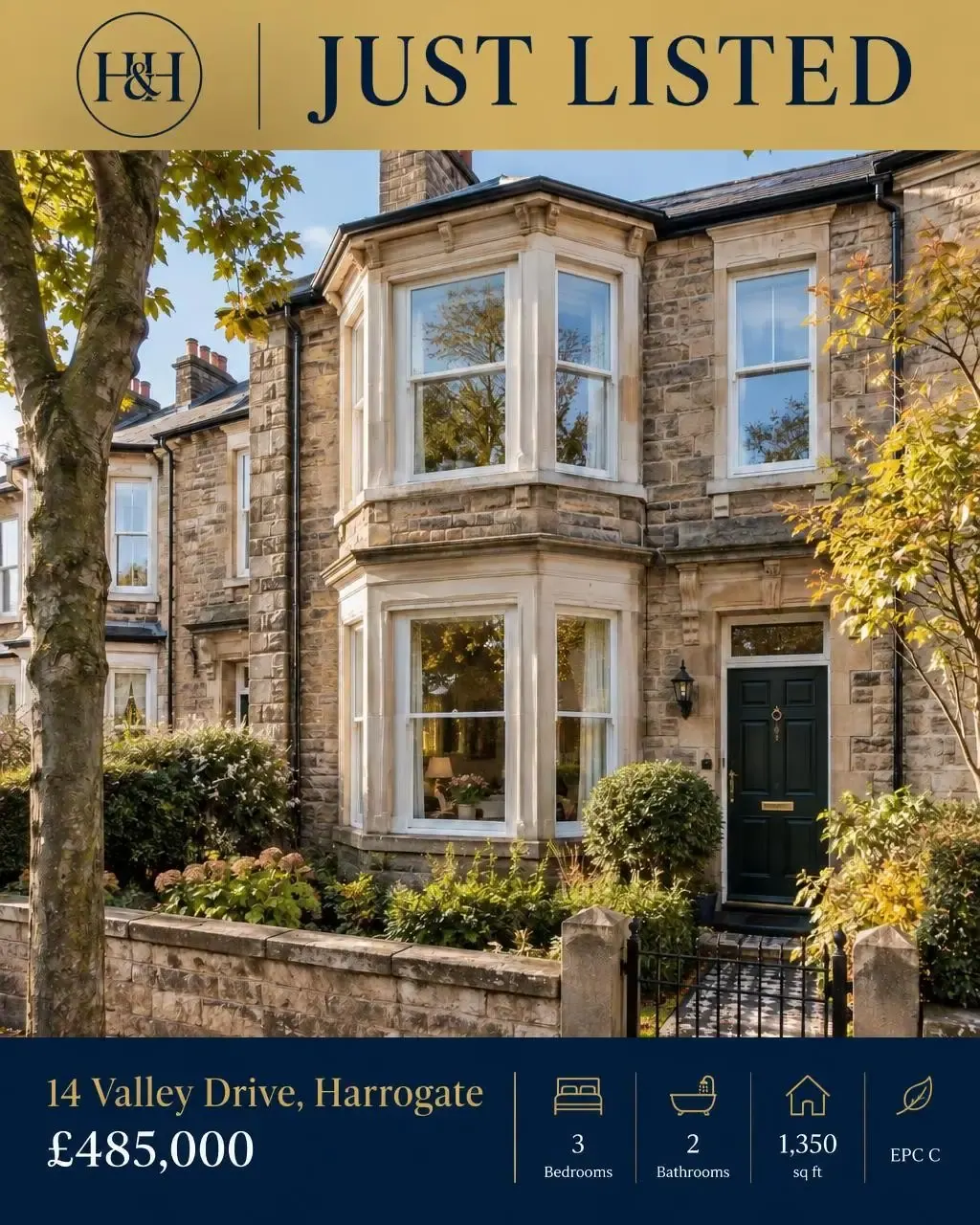
v1c · Use a bold gold header band across the top, keeping the icons and details in a neat row along the bottom.
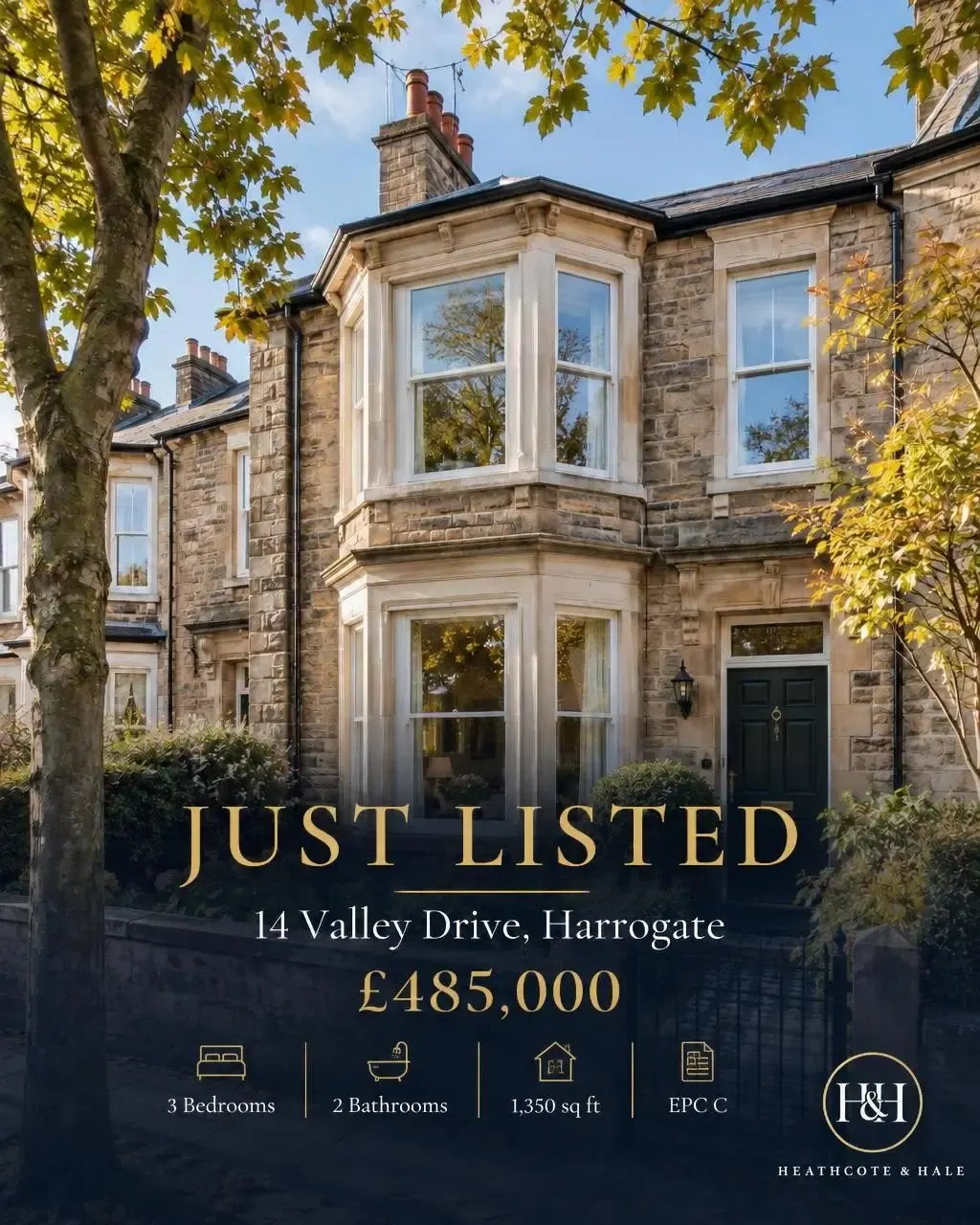
v1d · Set the text in a centred stacked layout over a subtle dark gradient, with the logo in the lower-right corner.
One request, four takes, from a photo already in the media library. Every price, room and icon is what came back.
Up to 4 takes at once
Choose instead of re-rolling
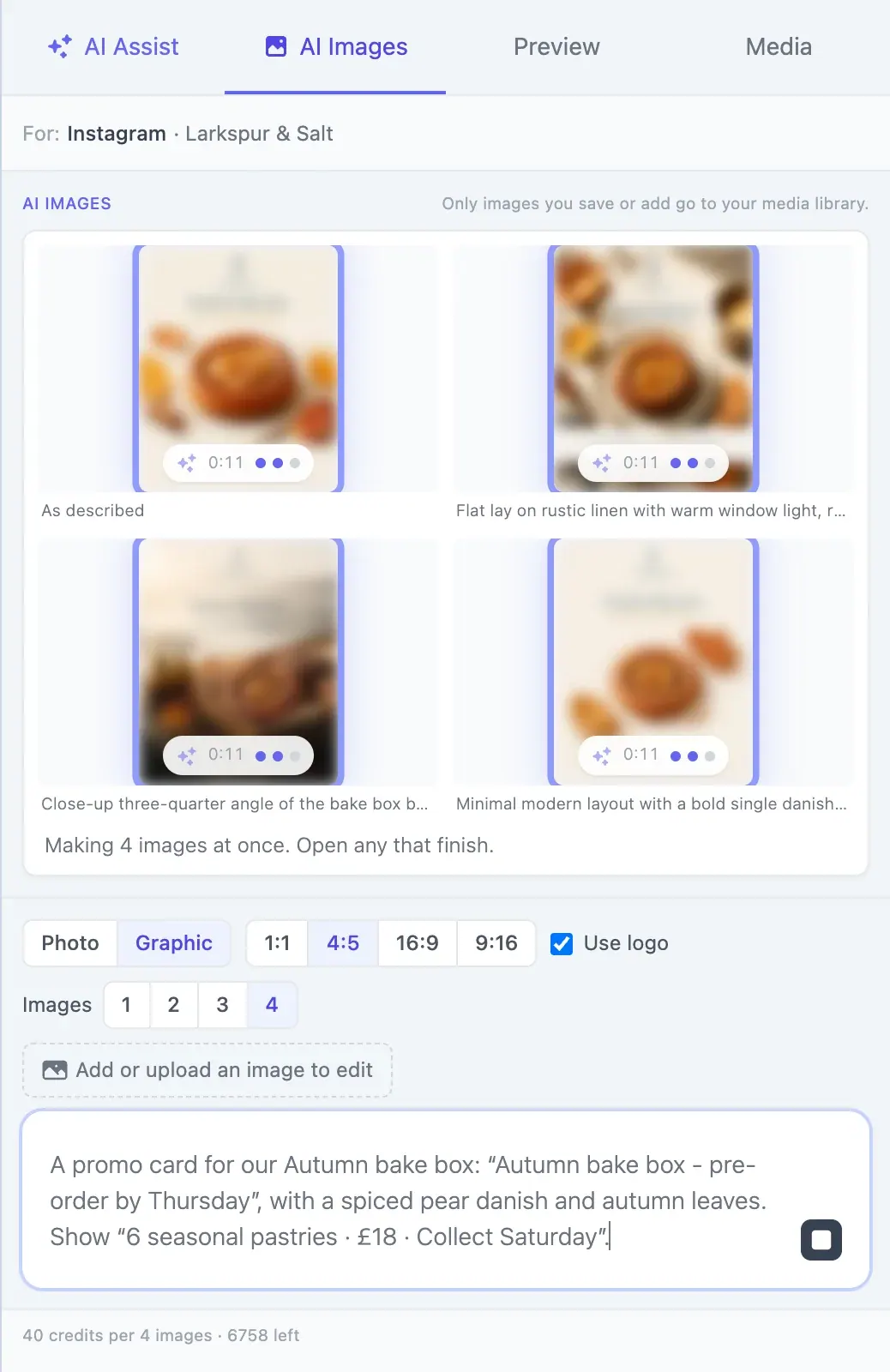
Ask for several images and Media Agent first decides how each one should differ - the layout, the angle, the mood - then draws them all at once. Four real alternatives, not four near copies. Keep the one you like and change it in a sentence.
v1 ×4 · Describe the image
“A promo card for our Autumn bake box: “Autumn bake box - pre-order by Thursday”, with a spiced pear danish and autumn leaves. Show “6 seasonal pastries · £18 · Collect Saturday”.”
v2 · What should change
“Make the background deep navy and the lettering gold”
Each take costs the same as a single image, and any take that fails is refunded.
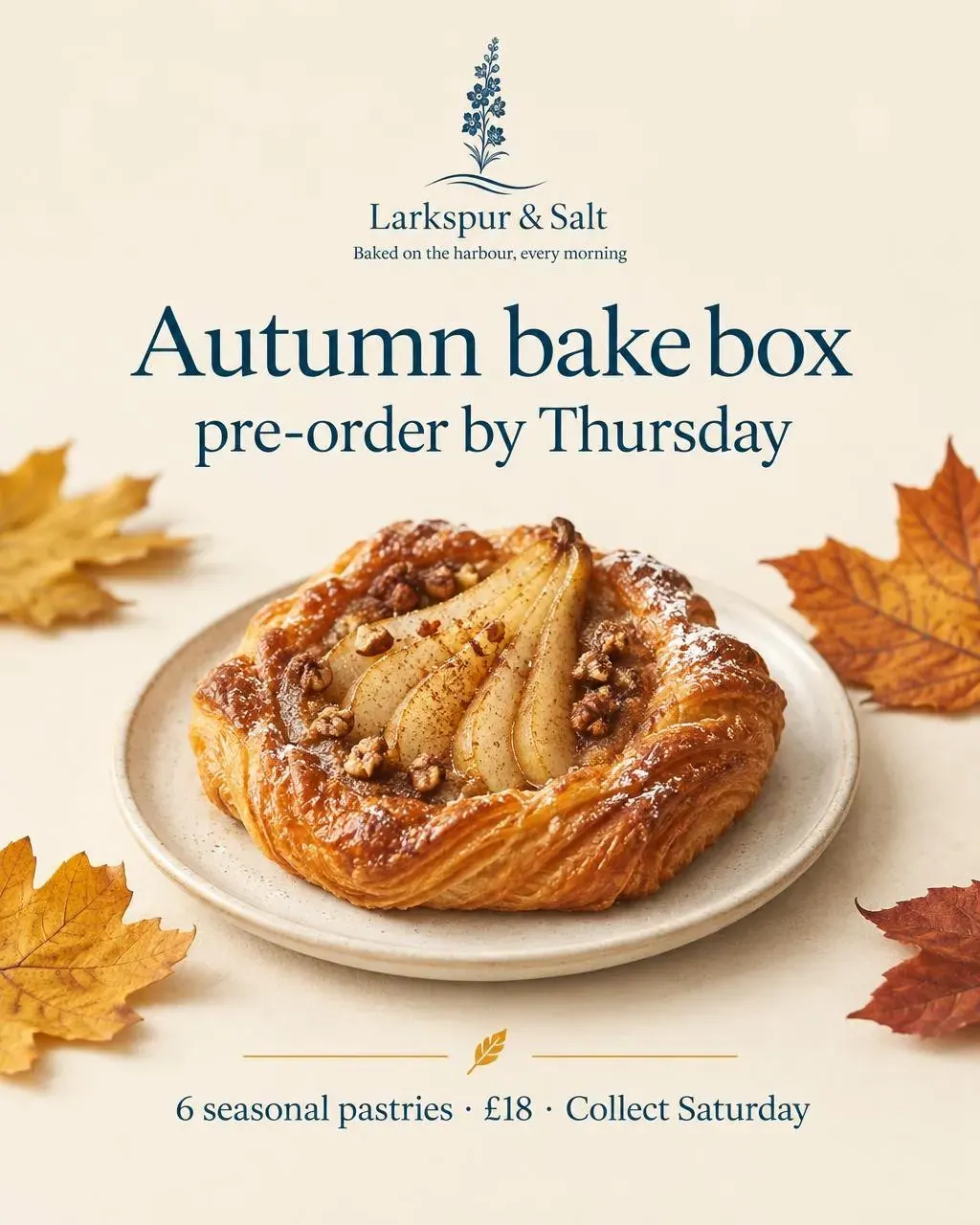
v1a · As described
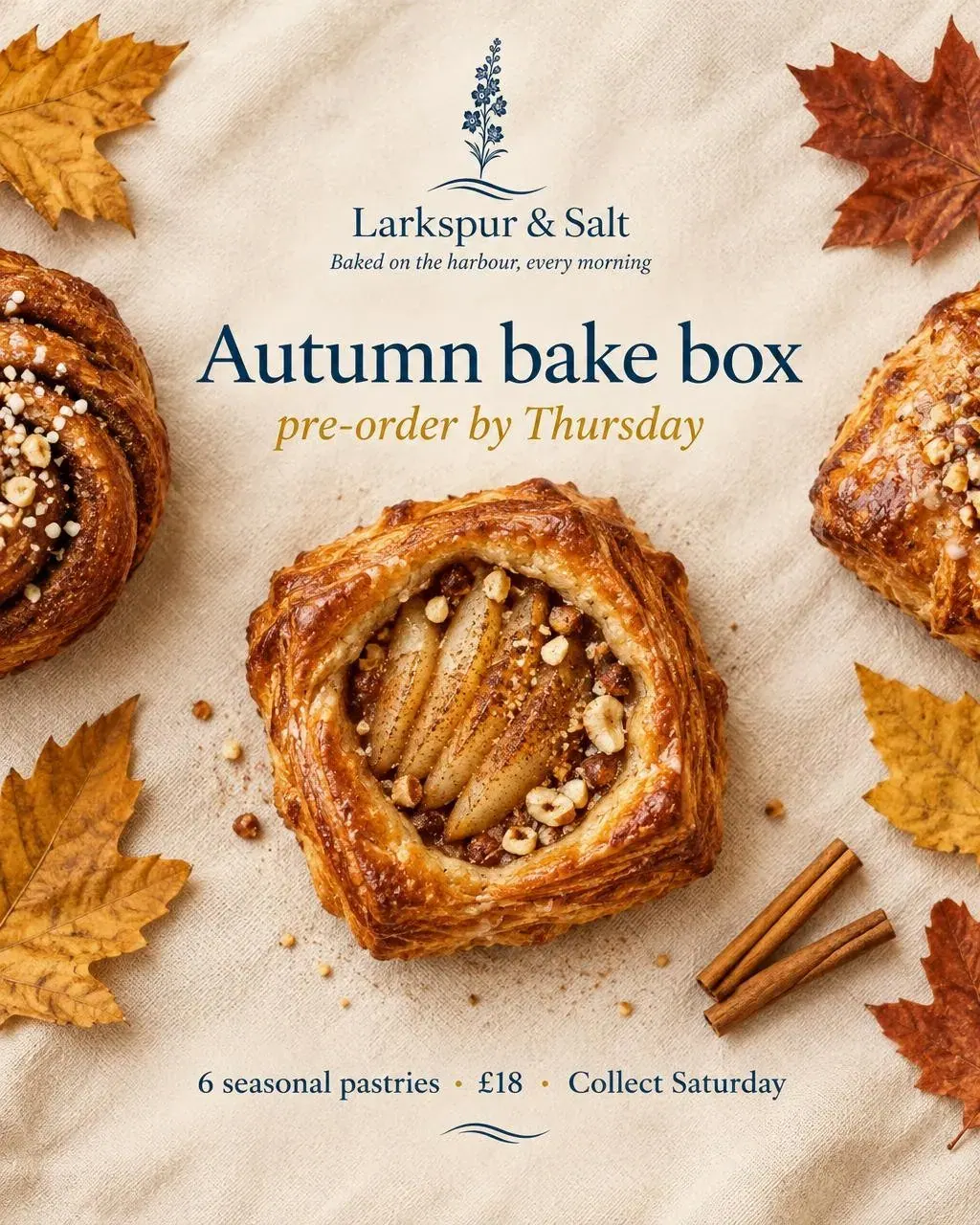
v1b · Close-up flat lay on warm linen, pastries and autumn leaves arranged symmetrically, soft natural window light, rich golden-brown autumn palette.
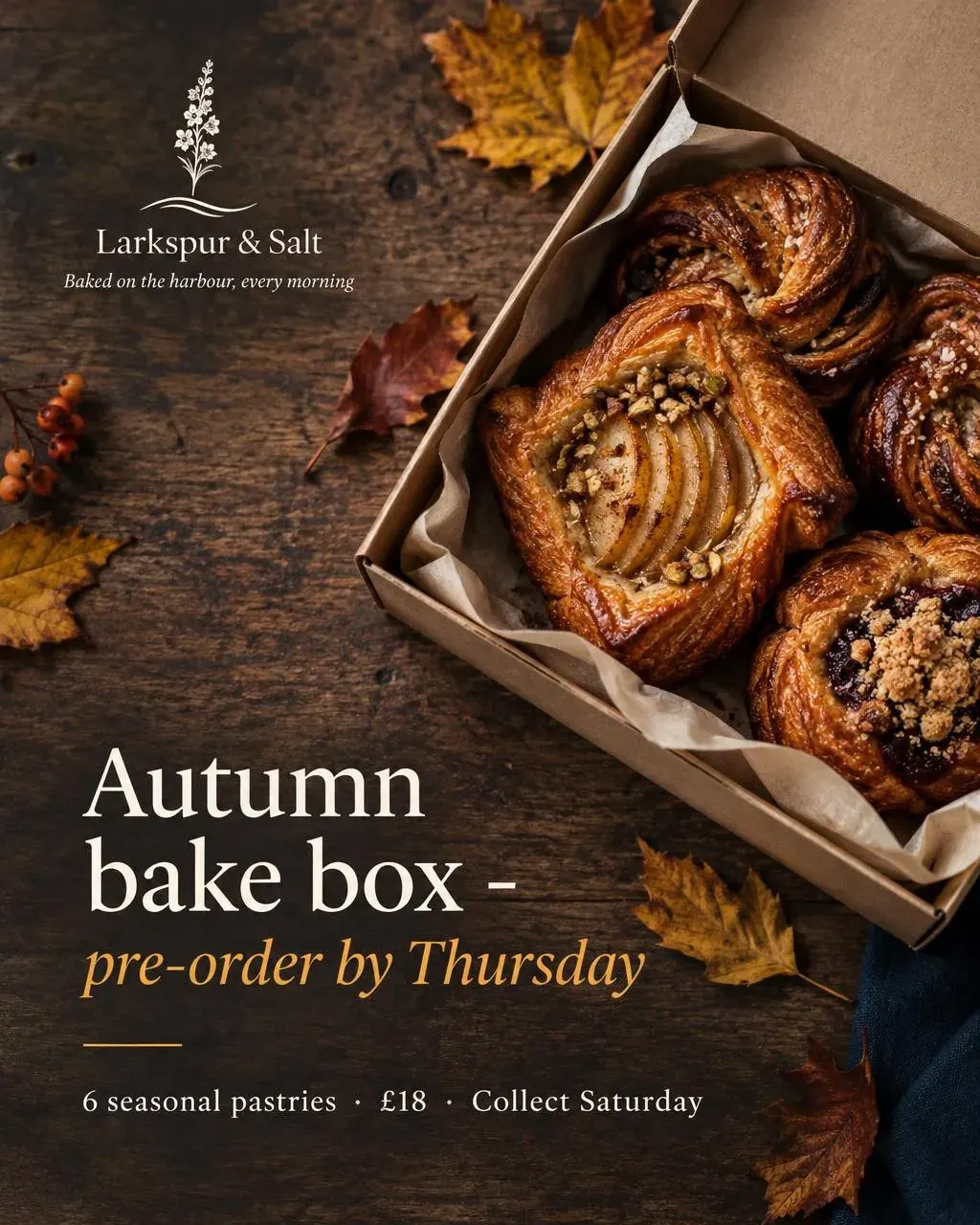
v1c · Vertical overhead composition with the box opened diagonally on a rustic wooden table, scattered leaves, crisp editorial styling, moody low-key lighting.
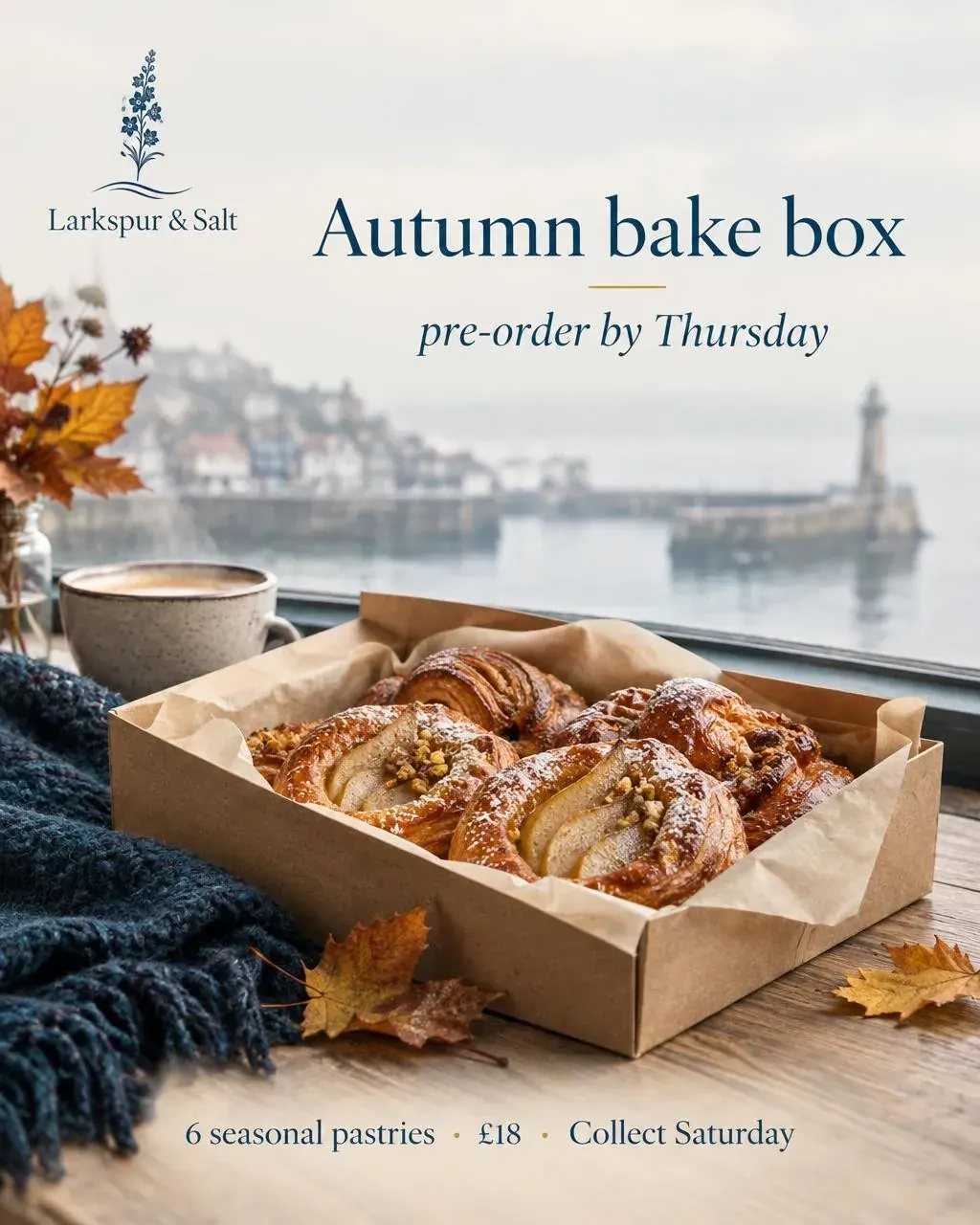
v1d · Lifestyle shot beside the harbour window, box in foreground and blurred seaside beyond, cool misty light, cosy contemplative autumn mood.
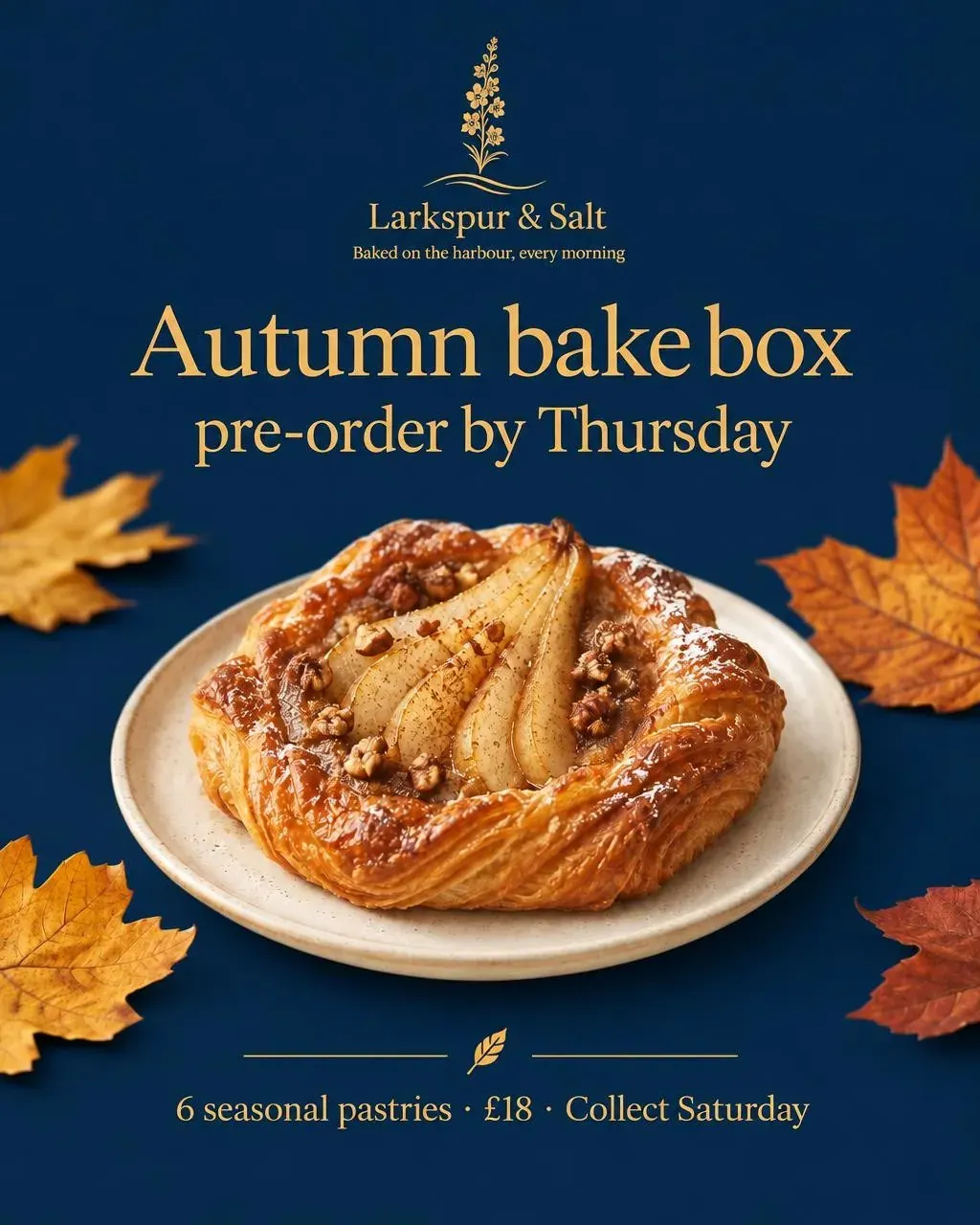
v2 · Edited from v1a
“Make the background deep navy and the lettering gold”
The plate, the danish and every word stay put. Only the colours change.
Graphics that do a job
Real information, set like a designer would
Prices, times, addresses, phone numbers, icons and charts, with the lettering spelled the way you typed it. The marketing graphics a small business posts every week, without opening a design tool.
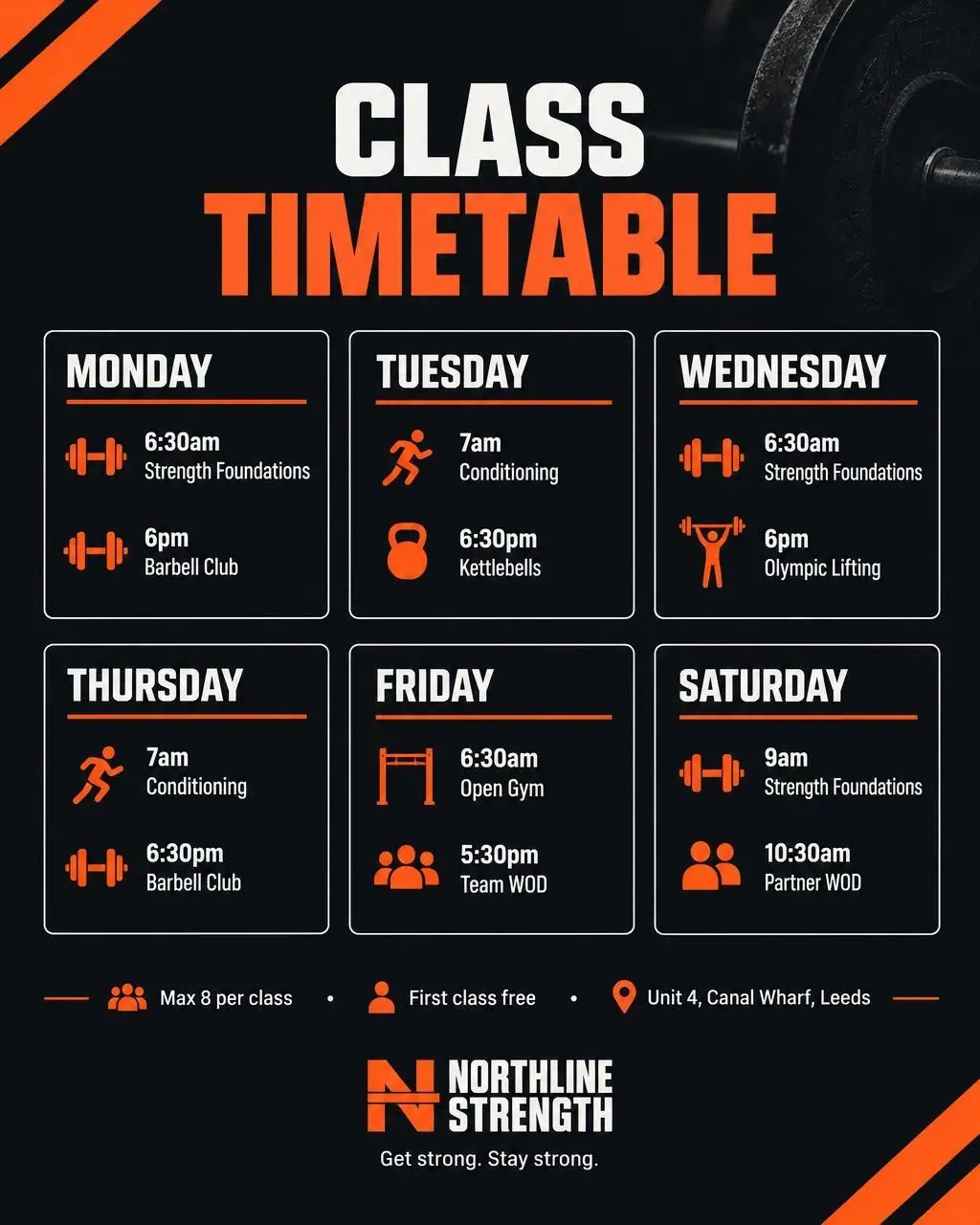
Northline Strength
A whole week’s timetable
Twelve classes, every time and day, an icon for each class type and the footer details - from one paragraph.
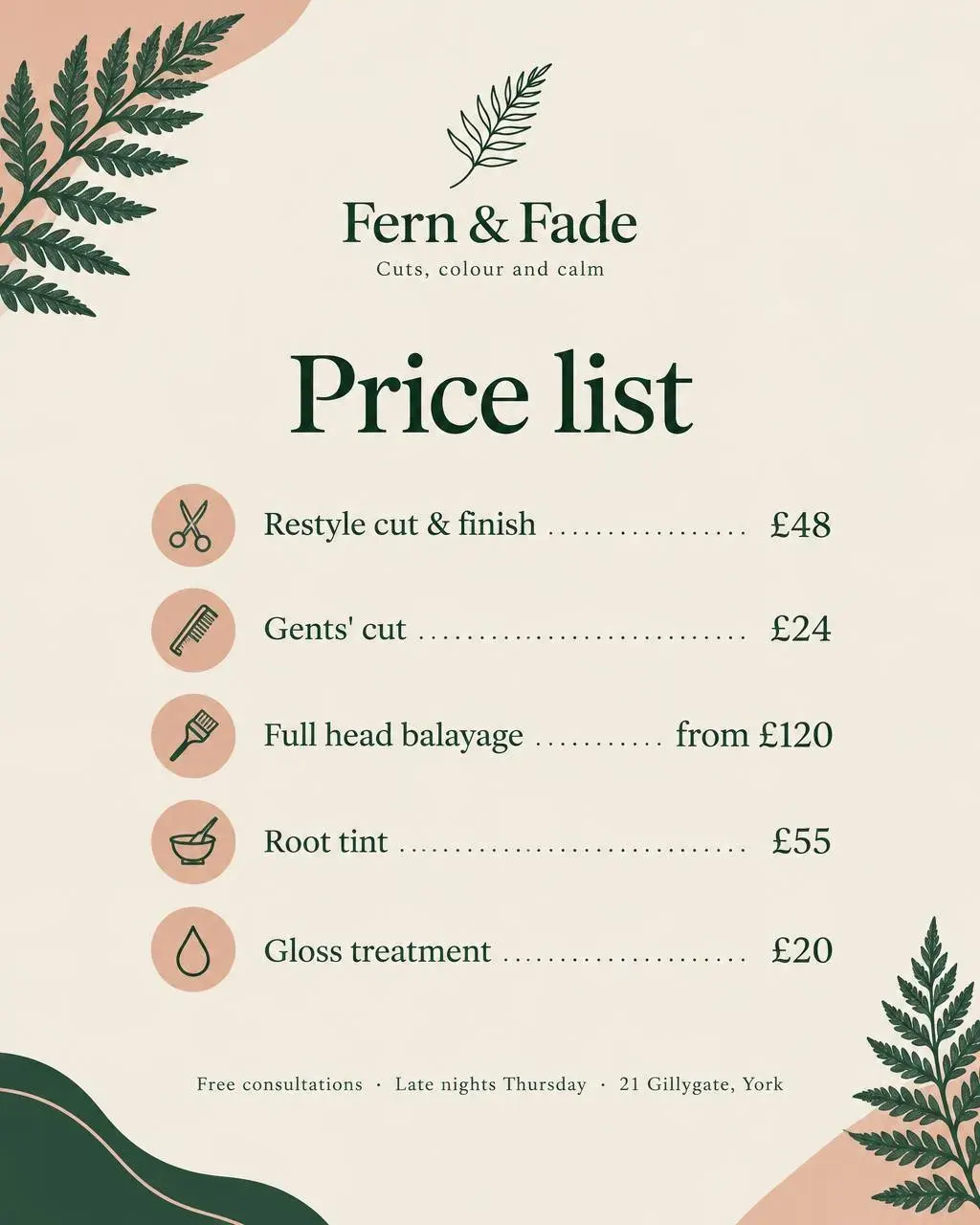
Fern & Fade
A price list that lines up
Five services with dotted leaders, prices aligned on the right, an icon for each and the address in the footer.
Heathcote & Hale
Your numbers as a chart
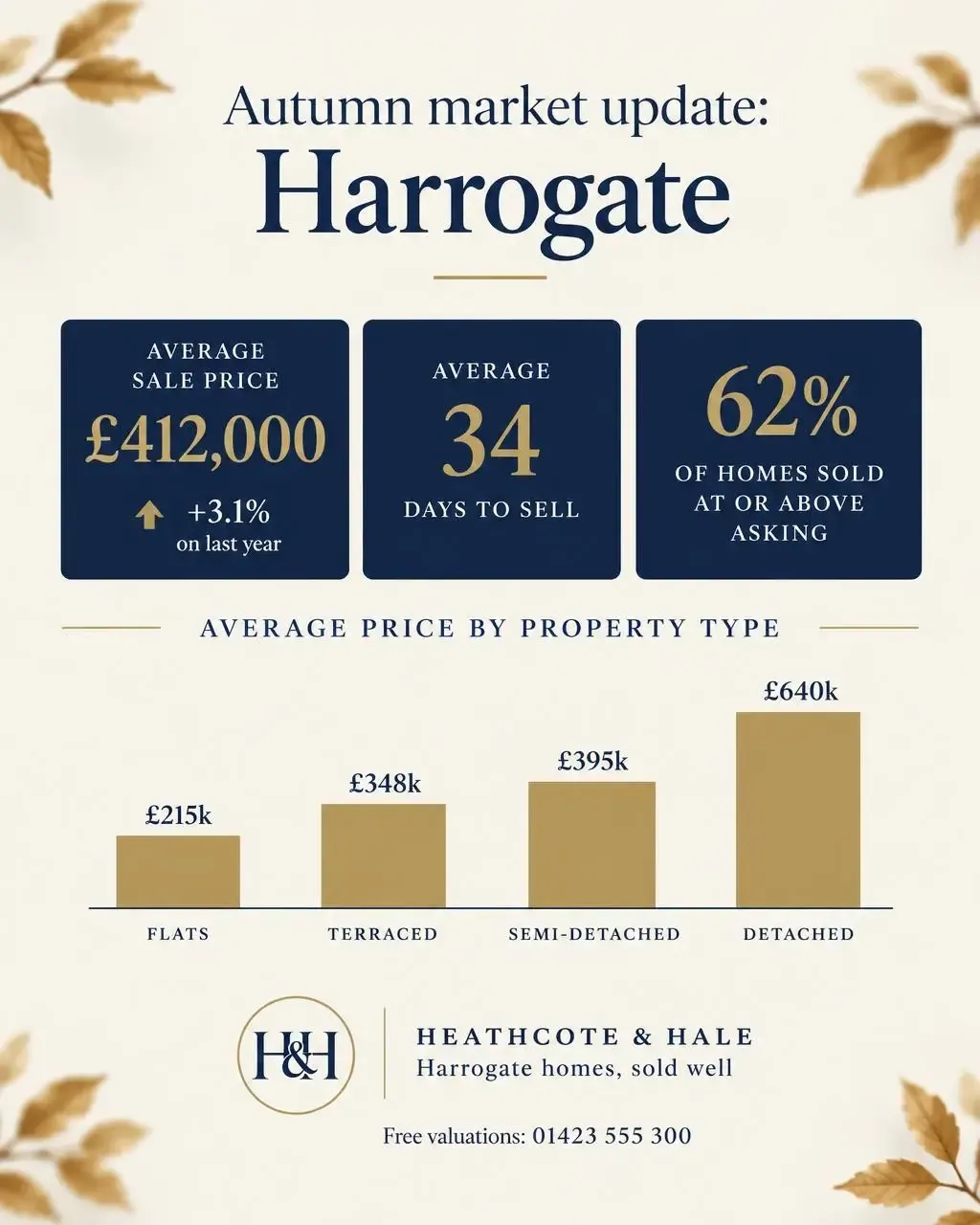
Three stat tiles and a bar chart by property type, from figures typed in a sentence.
Your logo, your colours
Four brands, four looks, no templates
Media Agent designs in the brand colours from each portfolio’s business profile, and ticking Use logo places the logo exactly as it is - never redrawn or recoloured. Switch portfolio and the next graphic is someone else’s brand.
Heathcote & Hale
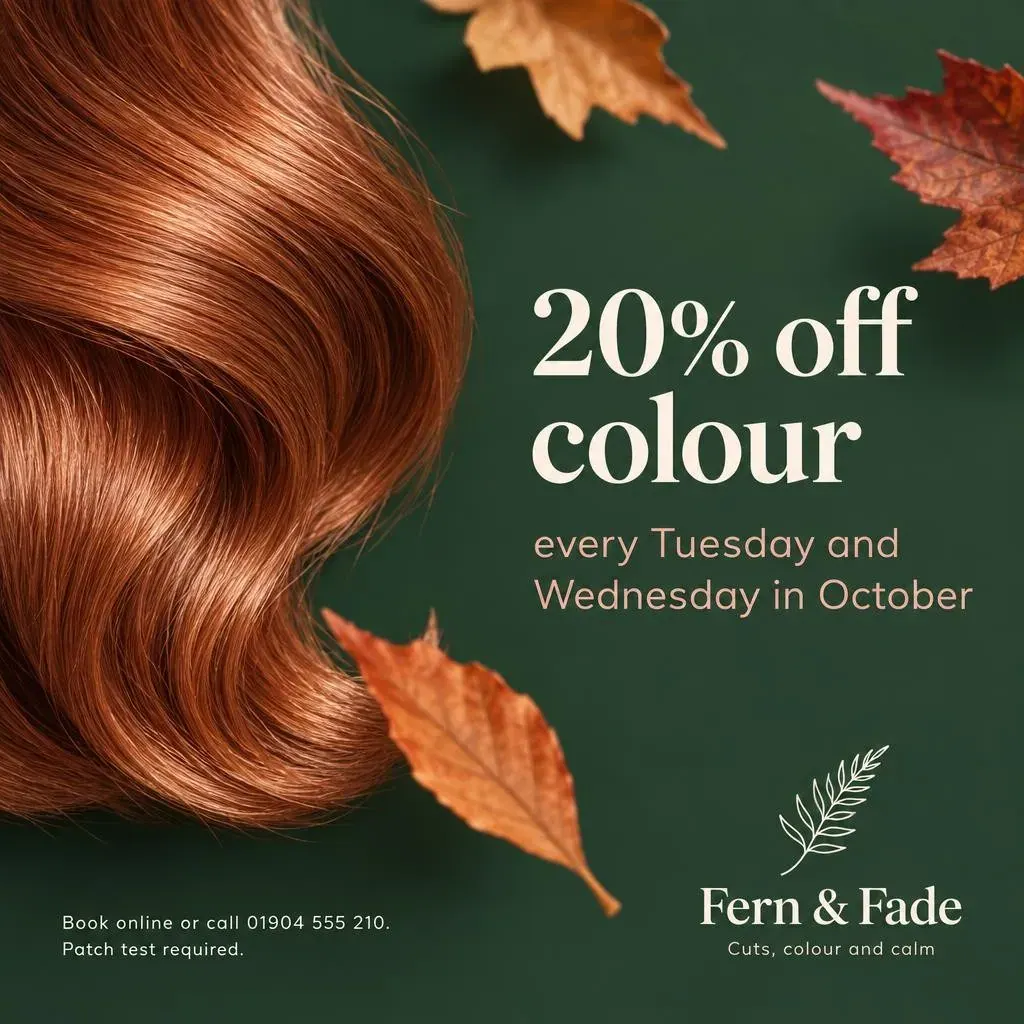
Fern & Fade
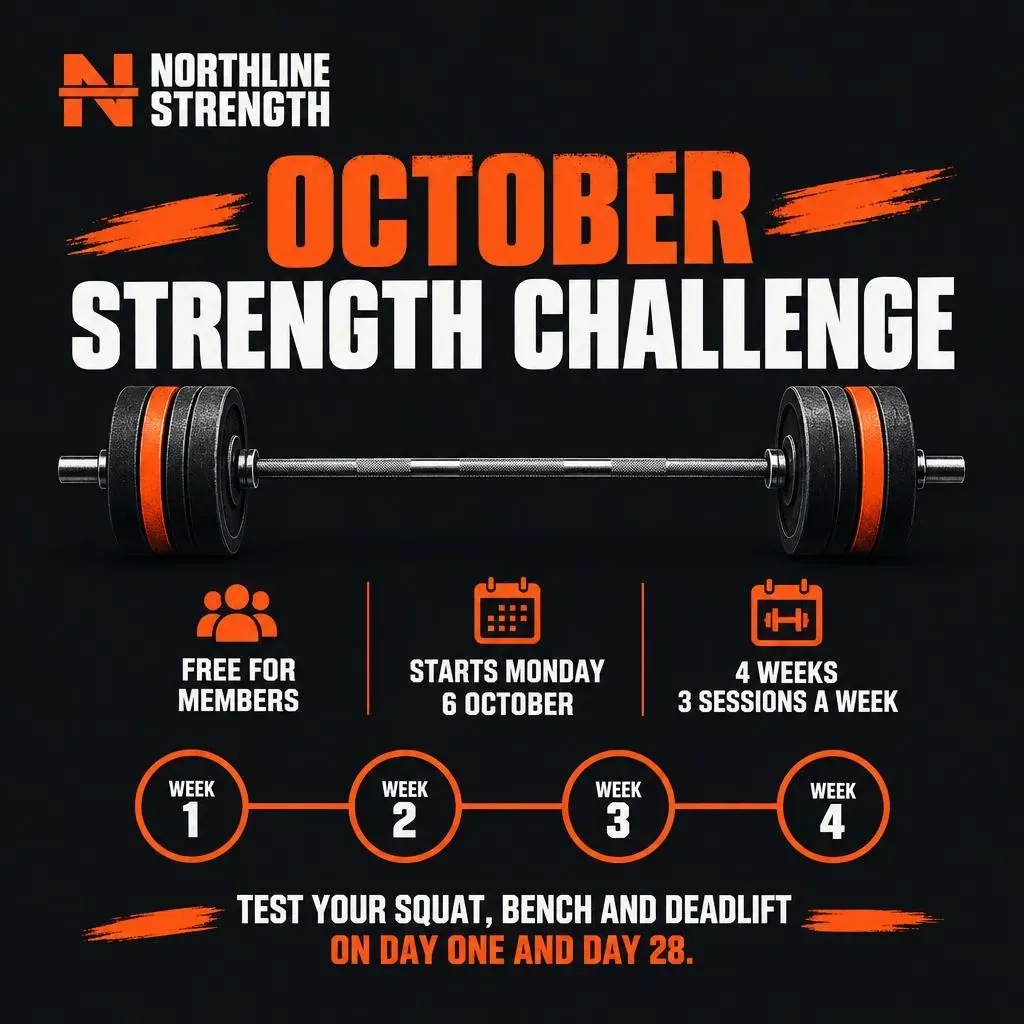
Northline Strength
Larkspur & Salt
Photo or graphic
The same brief, two ways
Photo makes a natural picture for the post, leaning gently towards your colours. Graphic turns the same idea into a designed piece with the words on it and your logo in place.
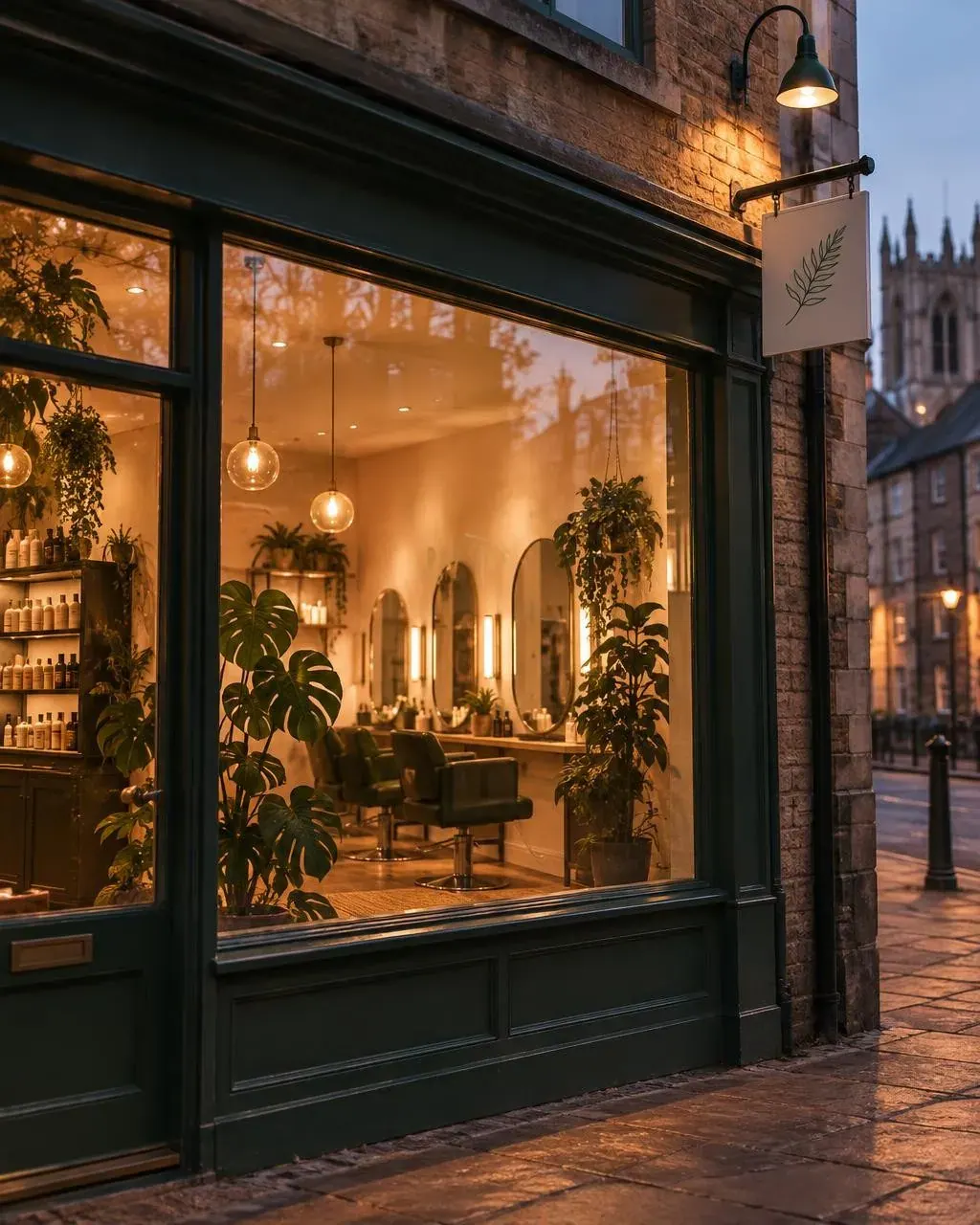
Fern & Fade · What was typed, both times
“Late nights every Thursday until 8pm: our salon in the evening, glowing warmly through the front window onto a quiet York street at dusk, plants silhouetted inside.”

Edit what you already have
Start from your own photo
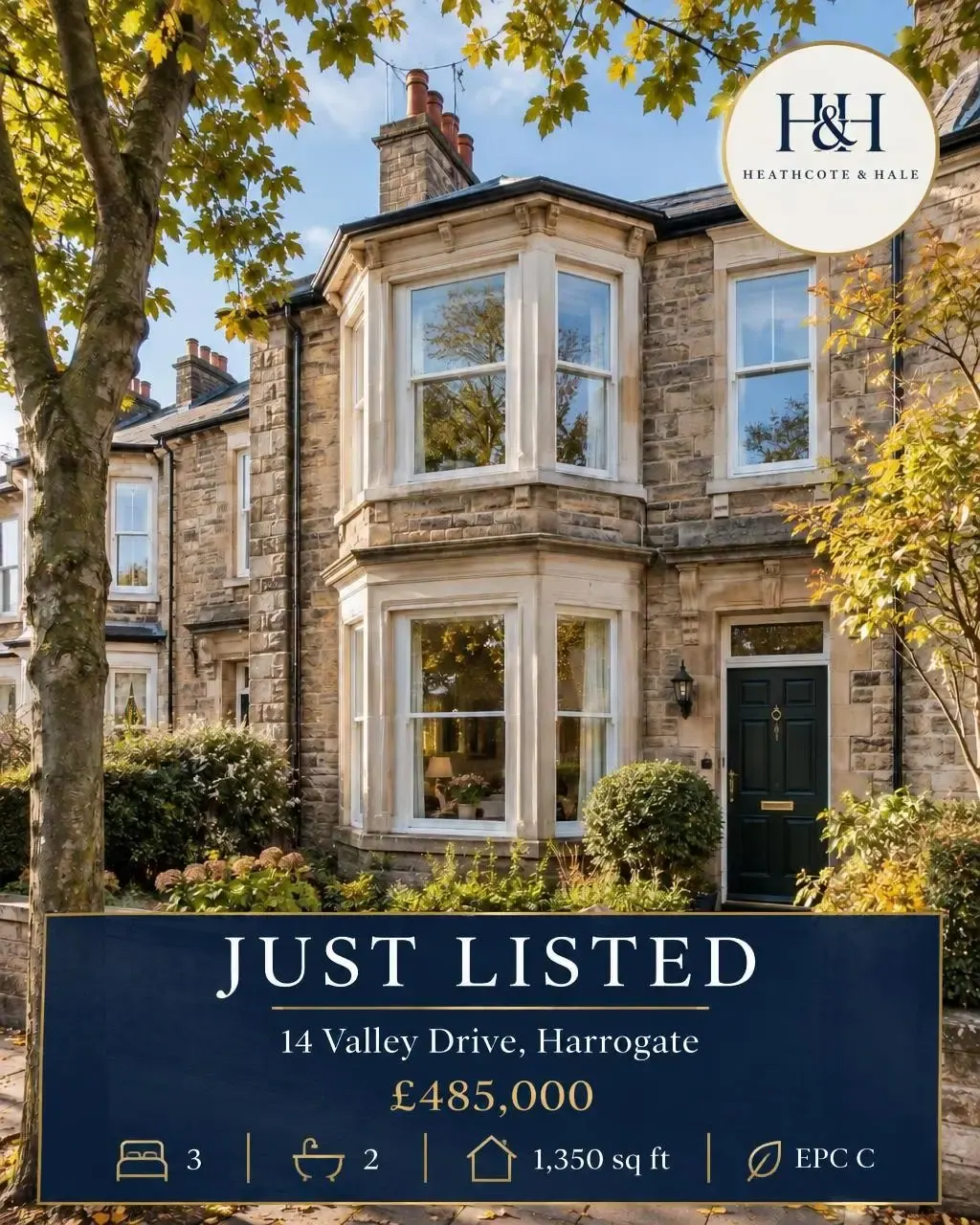
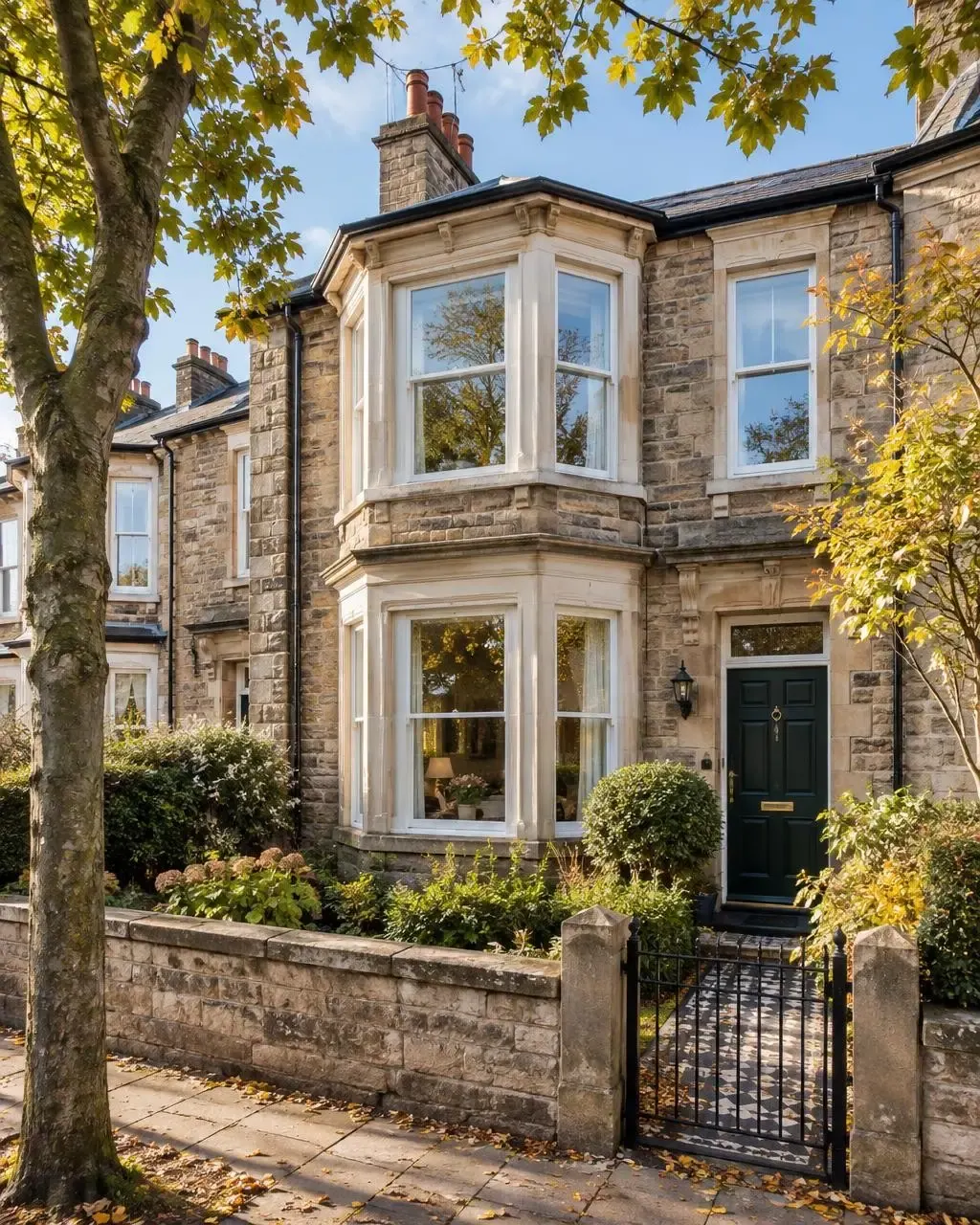
Choose any image in your media library, or upload one, and say what to change. Turn a listing photo into a listing card, mark it sold when it sells, or bring last season’s photo into this one.
Heathcote & Hale · What was typed
“Turn this photo into a “Just listed” Instagram card. Keep the house photo as the hero. Add: JUST LISTED, the address “14 Valley Drive, Harrogate”, the price “£485,000”, and a row of simple line icons for 3 bedrooms, 2 bathrooms and 1,350 sq ft, plus “EPC C”. Navy and gold, with our logo.”
Drag the handle to compare. Only what you describe changes, and the original is never touched.
The right shape
Designed for each shape, not cropped to it
Fluxi starts with the shape that suits the network you are posting to, and you can switch. Each one is laid out for its shape, so nothing important falls off the edge.
Square 1:1
When you want it square, anywhere
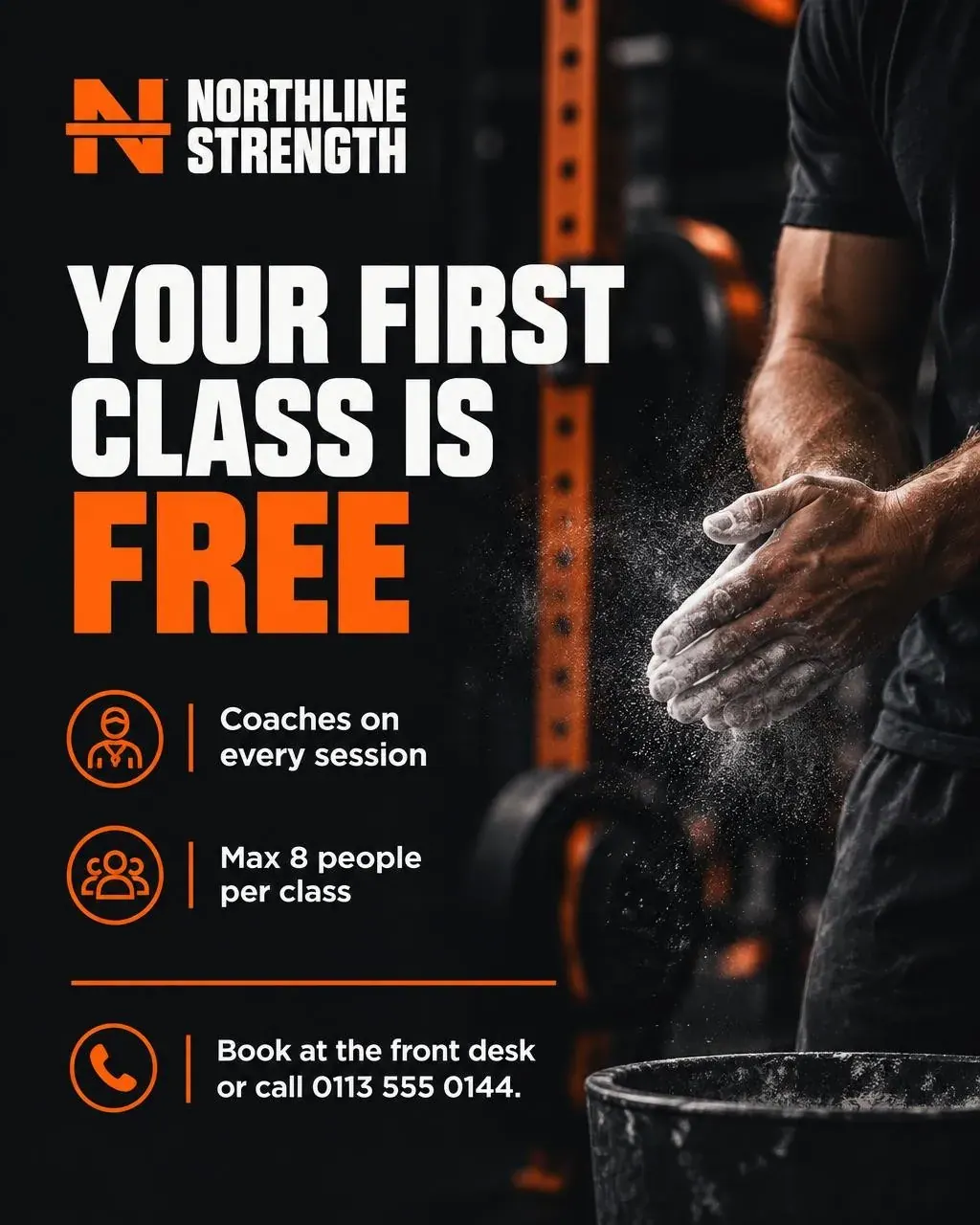
Portrait 4:5
Instagram, Facebook and Threads start here
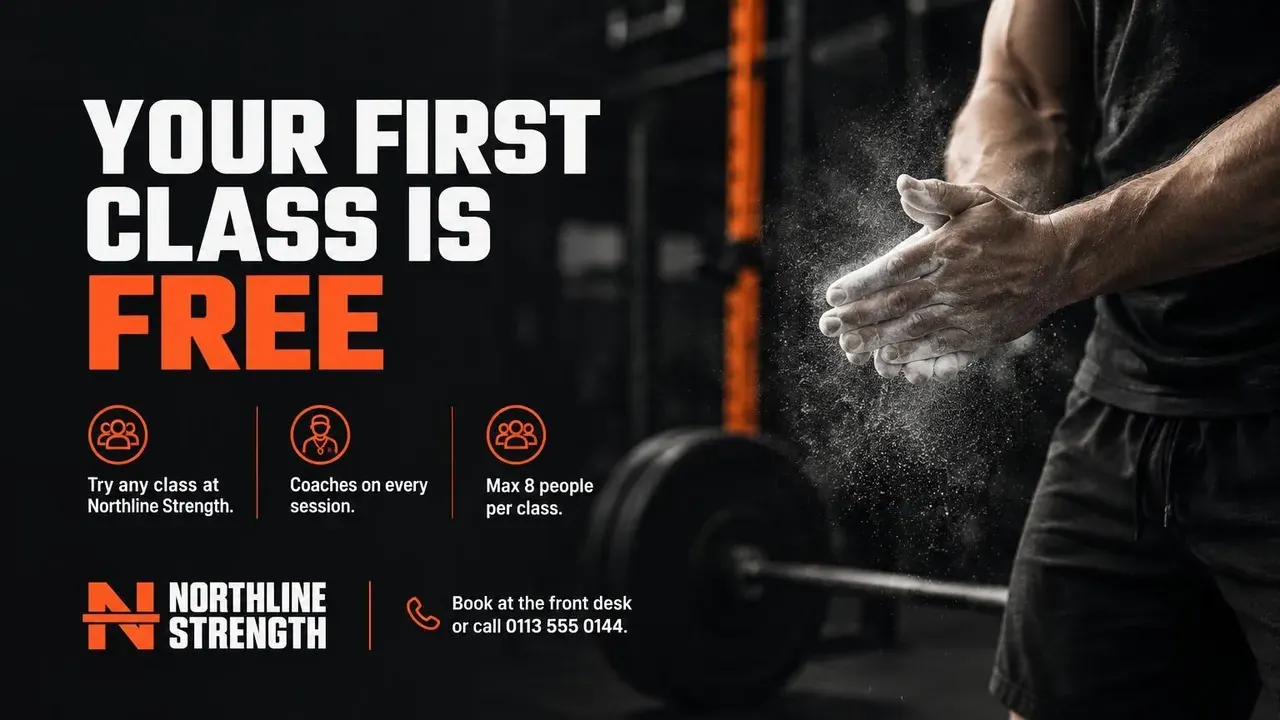
Landscape 16:9
X, LinkedIn and Bluesky start here
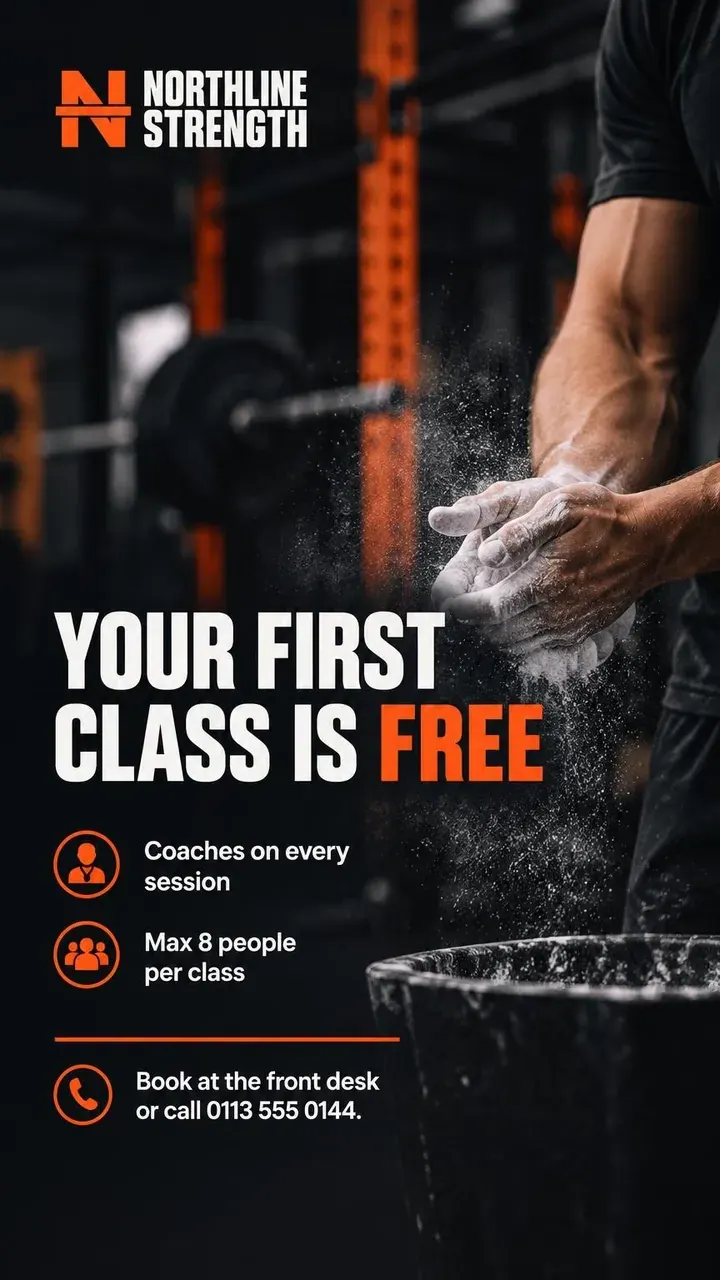
Story 9:16
TikTok and YouTube Shorts start here
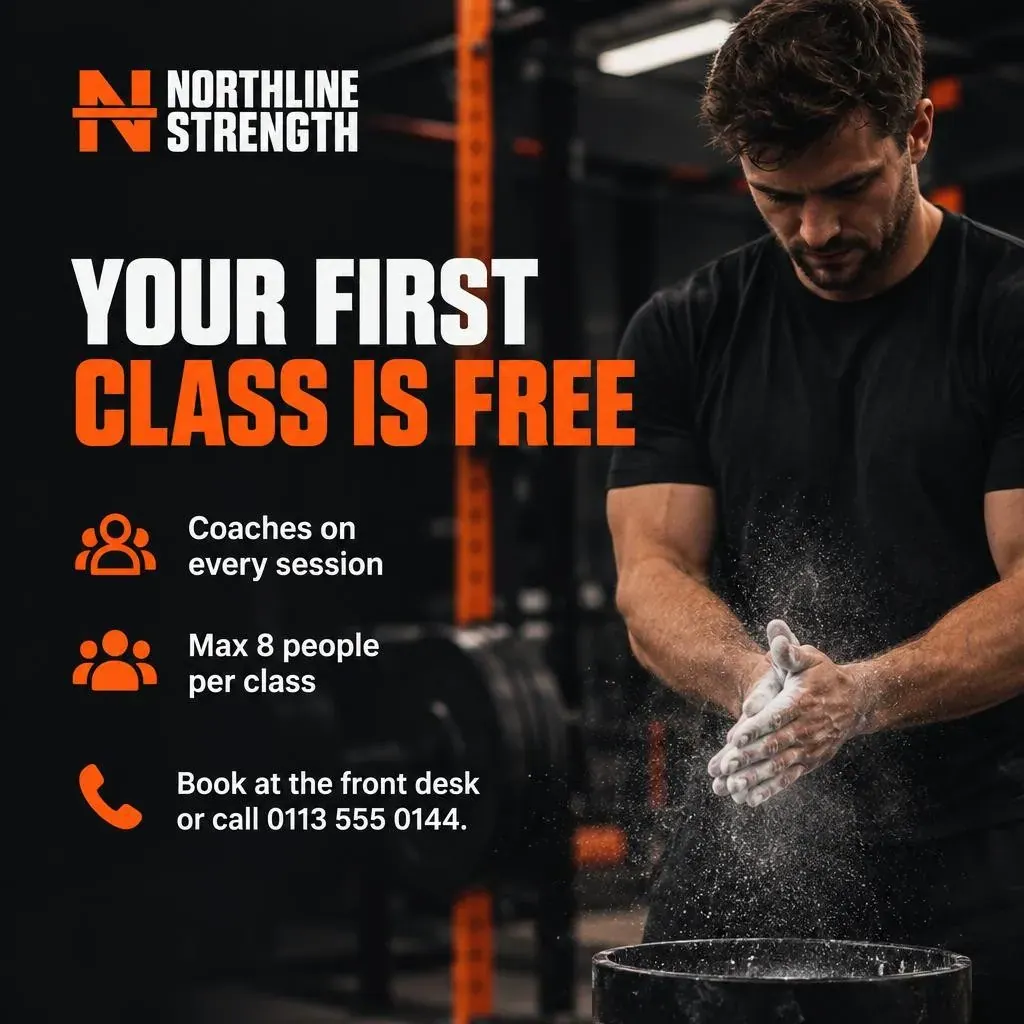
Northline Strength, the same prompt four times: “Your first class is free”: try any class at Northline Strength, no card needed. Coaches on every session, max 8 people per class. A lifter in a plain unbranded black T-shirt chalking up their hands in the background. “Book at the front desk or call 0113 555 0144.” Near-black and safety orange, with our logo.
Made for any business
A week of posts for four businesses
Pick a business to see what Media Agent made for it, with the prompt under each image. Nothing here was retouched.
- Graphic
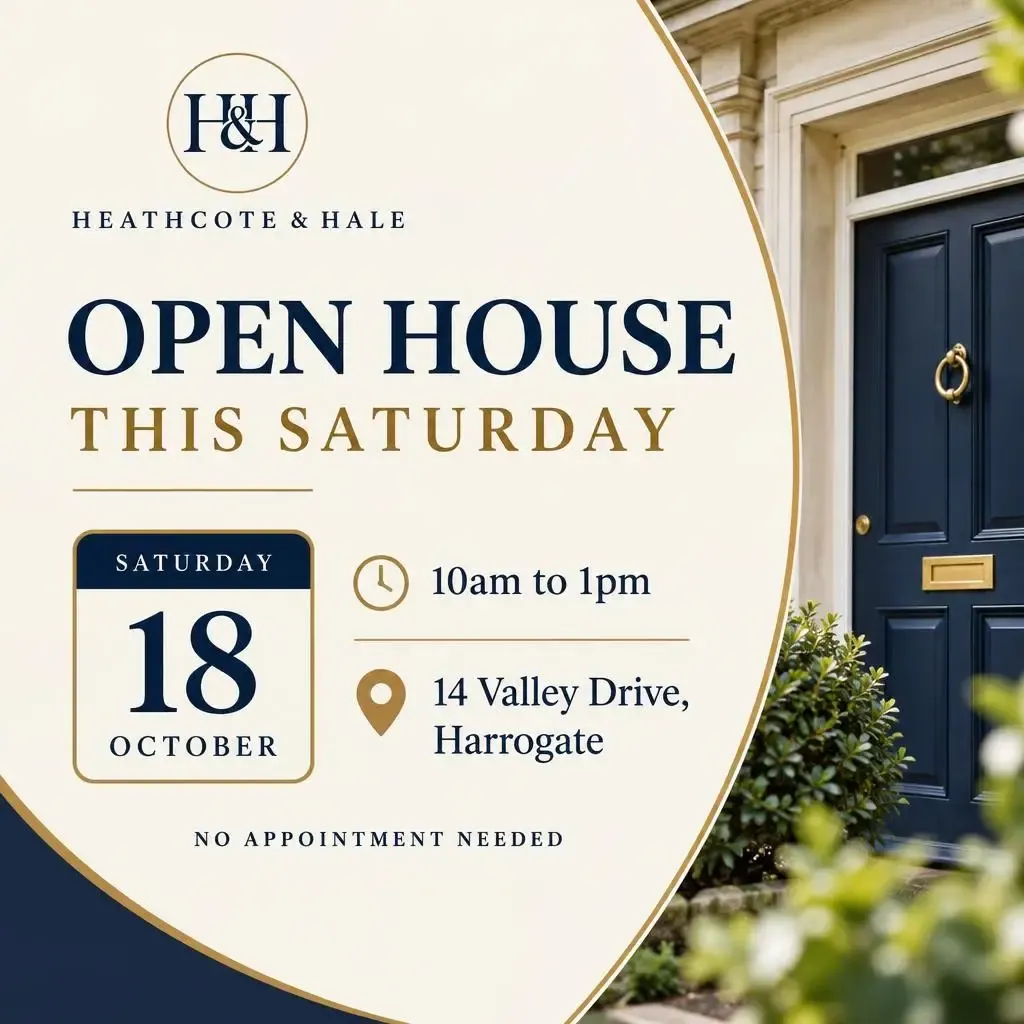
“An “Open house this Saturday” graphic for 14 Valley Drive, Harrogate: Saturday 18 October, 10am to 1pm, no appointment needed. Show the date large like a calendar tile, with a small clock icon for the time and a map-pin icon for the address. Clean, premium, navy and gold, with our logo.”
- Graphic
“An “Autumn market update: Harrogate” infographic. Three big stat tiles: average sale price £412,000 (with a small up arrow and “+3.1% on last year”), average 34 days to sell, and 62% of homes sold at or above asking. Underneath, a simple bar chart of average price by property type: flats £215k, terraced £348k, semi-detached £395k, detached £640k. Navy and gold, clean editorial style, with our logo and “Free valuations: 01423 555 300” at the bottom.”
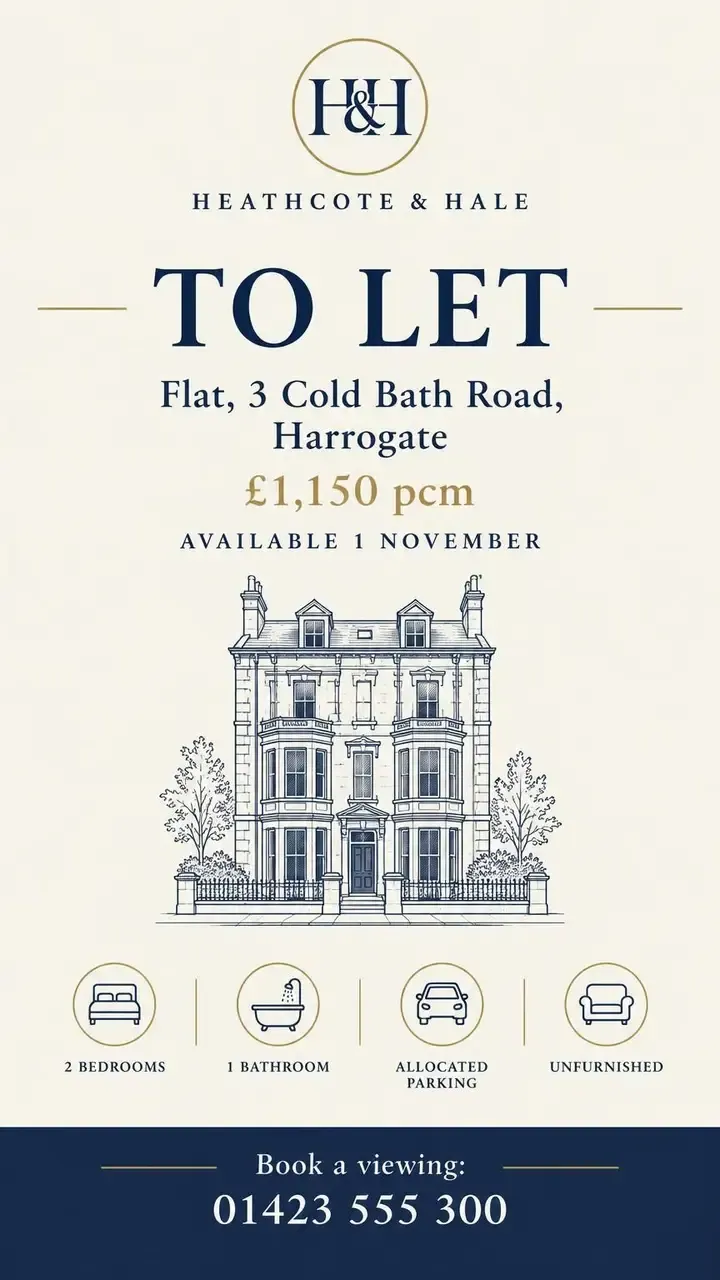 Graphic
“An Instagram Story “To let” graphic: Flat 3, Cold Bath Road, Harrogate, £1,150 pcm, available 1 November. A row of line icons: 2 bedrooms, 1 bathroom, allocated parking, unfurnished. A fine-line illustration of a Victorian townhouse facade, no photo. “Book a viewing: 01423 555 300” at the bottom. Navy and gold, with our logo.”
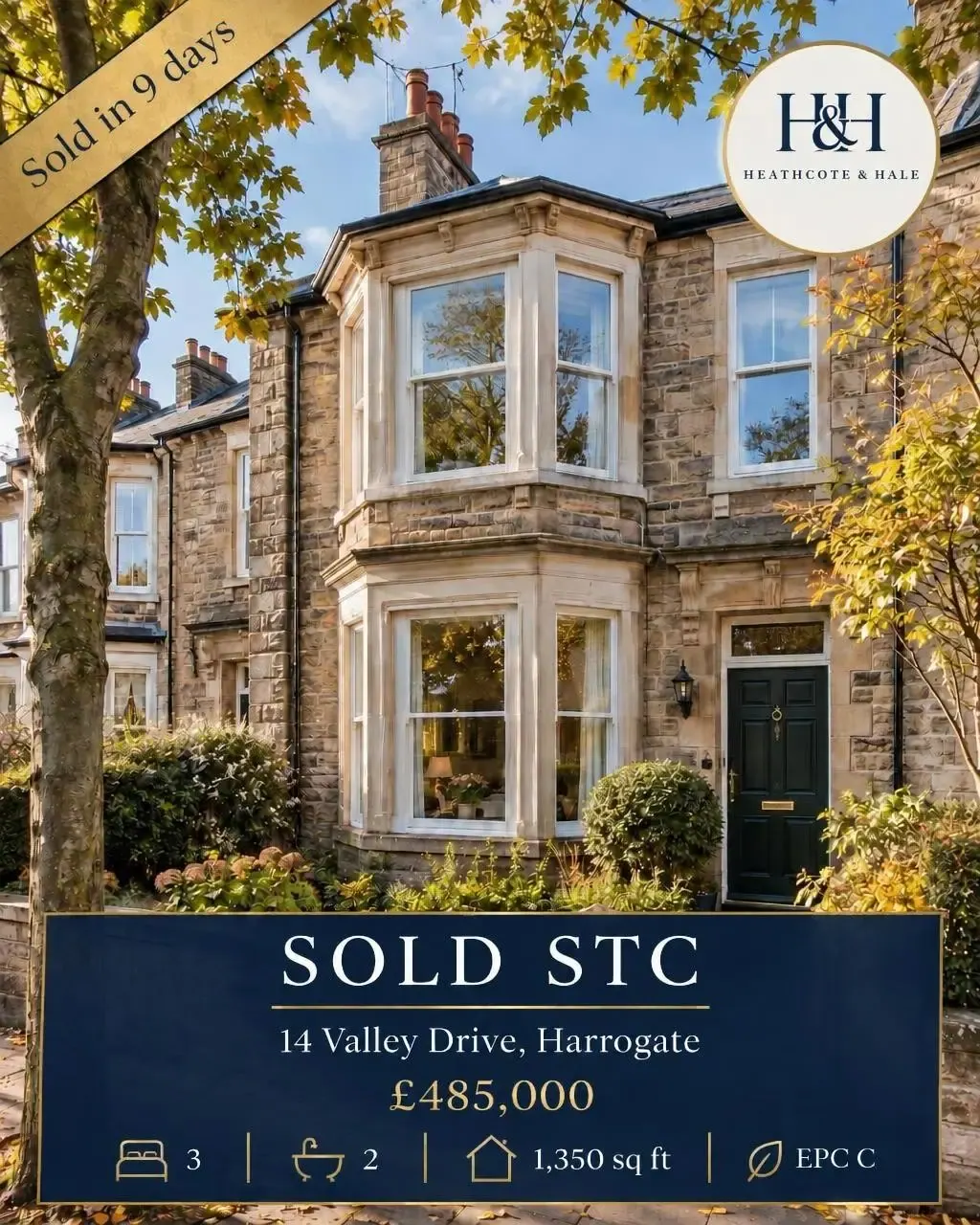 Edit
Edit“Change “JUST LISTED” to “SOLD STC” and add a small gold “Sold in 9 days” ribbon in the top left corner. Keep everything else exactly the same.”
- Graphic
“Our autumn price list as an Instagram graphic, titled “Price list”. Services with prices, neatly aligned with dotted leaders: Restyle cut & finish £48, Gents’ cut £24, Full head balayage from £120, Root tint £55, Gloss treatment £20. A small line icon beside each (scissors, comb, brush, colour bowl, droplet). Footer: “Free consultations · Late nights Thursday · 21 Gillygate, York”. Deep green, blush and cream, botanical fern accents, with our logo.”
- Graphic
“An autumn colour offer: “20% off colour”, every Tuesday and Wednesday in October. Show a glossy copper hair swatch and a few autumn leaves. Small print: “Book online or call 01904 555 210. Patch test required.” Deep green, blush and cream, with our logo.”
- Graphic
“Late nights every Thursday until 8pm: our salon in the evening, glowing warmly through the front window onto a quiet York street at dusk, plants silhouetted inside.”
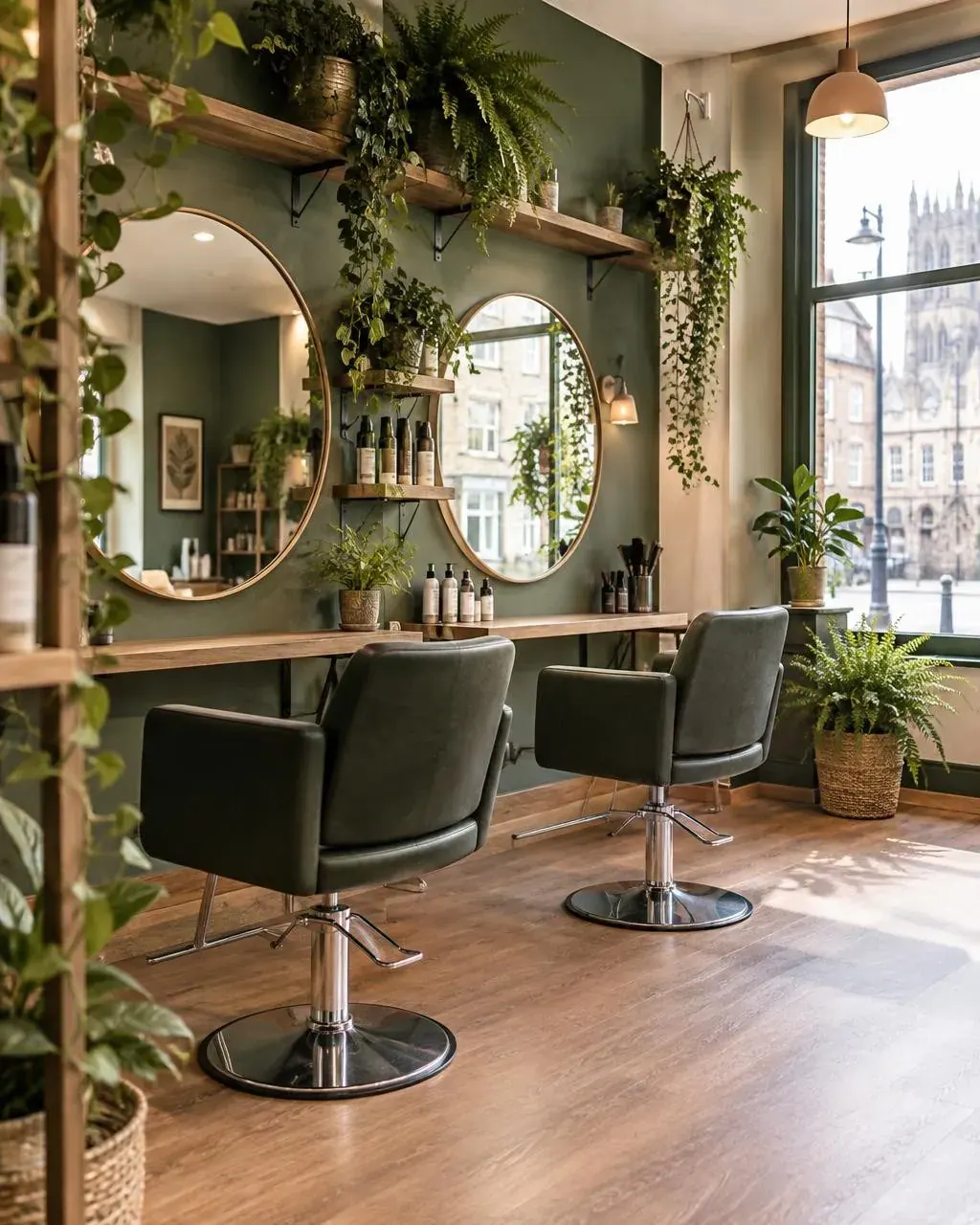 Photo
Photo“Inside our calm, plant-filled hair salon on a bright morning: two styling chairs facing round mirrors, trailing plants and ferns on shelves, warm wood and sage-green walls, a large window onto a York street. Natural, no people, no text.”
- Graphic
“Our weekly class timetable as a clean grid graphic, titled “Class timetable”. Monday: 6:30am Strength Foundations, 6pm Barbell Club. Tuesday: 7am Conditioning, 6:30pm Kettlebells. Wednesday: 6:30am Strength Foundations, 6pm Olympic Lifting. Thursday: 7am Conditioning, 6:30pm Barbell Club. Friday: 6:30am Open Gym, 5:30pm Team WOD. Saturday: 9am Strength Foundations, 10:30am Partner WOD. Small icons for each class type. Footer: “Max 8 per class · First class free · Unit 4, Canal Wharf, Leeds”. Near-black, safety orange and white, with our logo.”
- Graphic
“Announce our October Strength Challenge: free for members, starts Monday 6 October, 4 weeks, 3 sessions a week. Show a simple 4-week progress tracker (week 1 to week 4) and a barbell icon. “Test your squat, bench and deadlift on day one and day 28.” Bold, energetic, near-black and safety orange, with our logo.”
 Photo
Photo“A small-group strength class in our gym: three adults of different ages and builds deadlifting with good form under a coach’s eye, chalk in the air, warm industrial lighting, brick walls and black rubber flooring. Candid, natural, not posed, no text.”
- Graphic
““Your first class is free”: try any class at Northline Strength, no card needed. Coaches on every session, max 8 people per class. A lifter in a plain unbranded black T-shirt chalking up their hands in the background. “Book at the front desk or call 0113 555 0144.” Near-black and safety orange, with our logo.”
- Edit
“Make the background deep navy and the lettering gold”
- Graphic
“A promo card for our Autumn bake box: “Autumn bake box - pre-order by Thursday”, with a spiced pear danish and autumn leaves. Show “6 seasonal pastries · £18 · Collect Saturday”.”
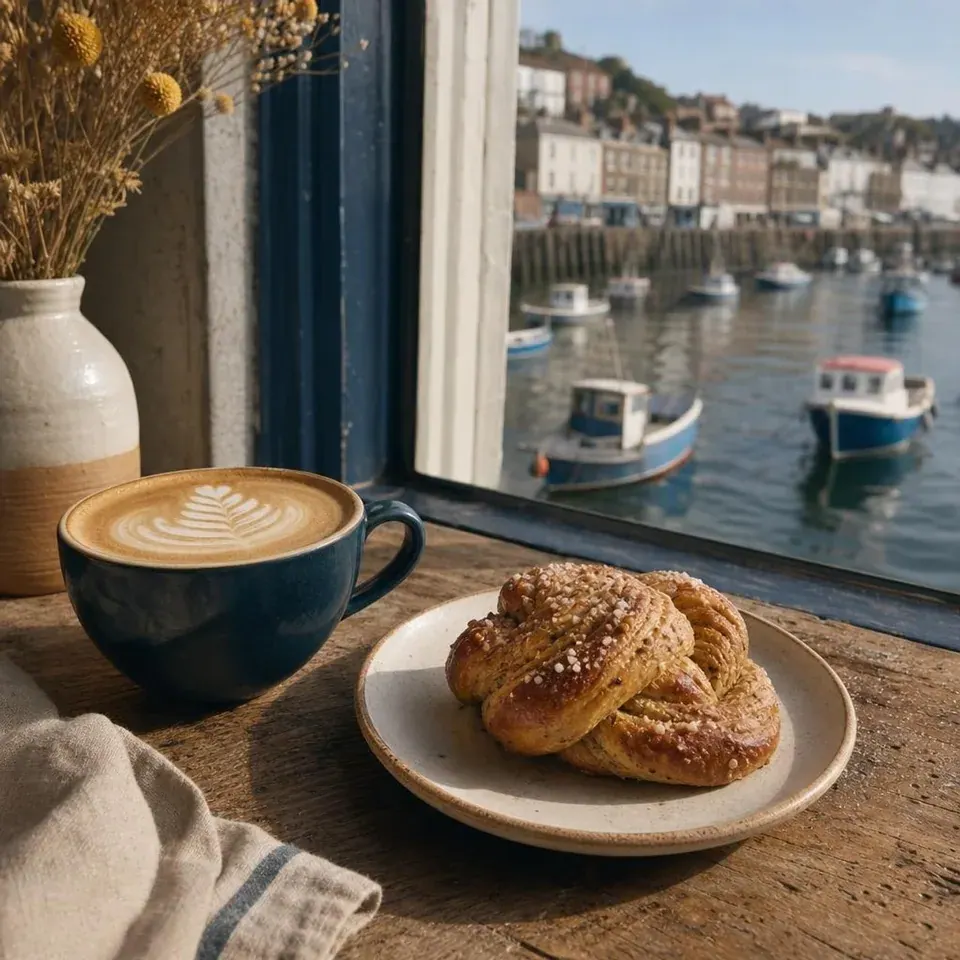 Photo
Photo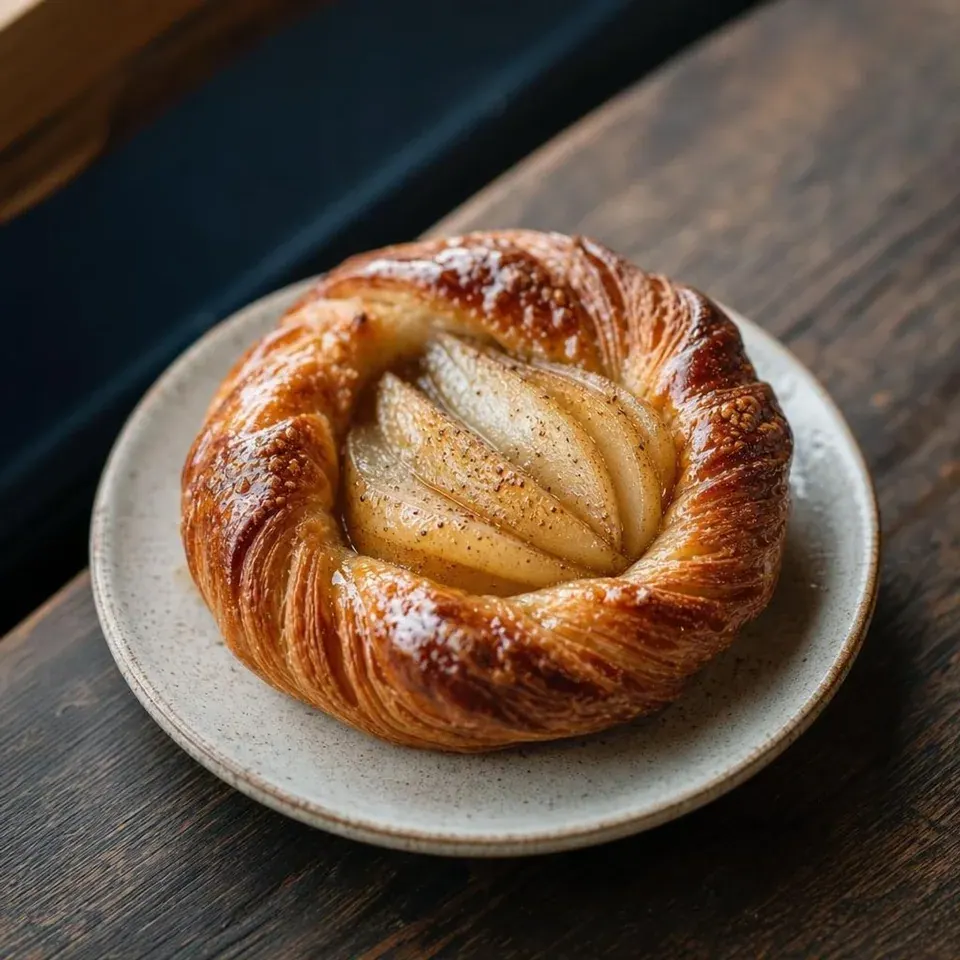 Photo
Photo
All four businesses are made up, so that this page shows real results without borrowing anyone’s brand. Their logos and photos - the house in the listing photo included - were made with Media Agent too. For real listings, start from your own photos.
How it works
A tab beside the composer
- 1
Describe it
Type what the image is for, with the words and numbers it should show. Or leave the box empty and it illustrates the post you have written.
- 2
Choose the kind and the shape
Photo or Graphic, the shape, whether to use your logo, and how many takes - one to 4.
- 3
Watch them draw
Every take sharpens while it draws, side by side, so you know early which way is working. Most are done in well under a minute.
- 4
Pick one and finish it
Add it to the post, save it for later, or press Edit this and say what to change. Every version stays in the strip.
Prompt ideas
Not sure what to ask for? Start here
Swap in your own details. The more of the real words and numbers you give it, the more of the graphic is done for you.
Offers
- “2 for 1 on lunch, Mondays in November” card with our menu’s three best sellers and prices
- A “20% off your first order” graphic with the code WELCOME20 in large type
- A Black Friday card listing our three biggest deals with the old and new price
Announcements
- A “We’re hiring” card for a weekend barista: hours, pay and how to apply
- Our Christmas opening hours as a clean list, closed days crossed through
- A “New in” graphic for our winter range, with each product name and price
Events
- A poster for our open evening: Thursday 6 November, 6 to 8pm, free drinks, booking link in bio
- A countdown card: “3 days to go” before our summer sale
- A class timetable for next week, one row per day, with times and an icon for each class
Everyday posts
- Leave the box empty to illustrate the post you have written
- A photo of our shop front on a rainy morning, lights on, nobody inside
- Turn this customer review into a quote card with five stars and our logo
What it costs
Included in every plan
Images use the same monthly AI credits as AI Agent. No add-on.
- credits per image or edit
- 10credits per image or edit
- credits for 4 takes at once
- 40credits for 4 takes at once
- credits in the free trial
- 50credits in the free trial
A take that fails is refunded. Alt text on every image you upload is free. How AI credits work
The details
The image for the post, made in the same place as the post
From a sentence to the right image for the post
Open the Media Agent tab and describe what you want. Leave the box empty and Media Agent uses the post you are writing as its brief. Choose Photo for a natural scene or Graphic for a designed piece with words on it, and pick the shape: Square 1:1, Portrait 4:5, Landscape 16:9, Story 9:16. Fluxi chooses the shape that suits the network you are posting to, so an Instagram post starts portrait and a TikTok starts as a story.
- Previews sharpen as the images are drawn, so you know early which way is working
- Add one to the post in one click, or save it to the media library for later
- Generating again or editing costs the same, so trying another idea is never a big decision
Several takes at once, each a real alternative
Set Images to anything up to 4 and Media Agent first decides how each take should differ - one as you described it, the others with a different layout, angle or mood - then draws them all at the same time. They appear in a grid with the direction each one took written underneath. Open any take to add it to the post, save it or edit it. It works for edits too: ask for several versions of a change and pick the one you like.
Graphics with the details on them
The posts a small business needs every week are full of facts: a price, an address, the opening hours, the dates of an offer, the number of bedrooms. Put them in the description and Media Agent sets them as part of the design - a listing card with the price and icons for the rooms, a price list with dotted leaders, a class timetable, a market update with a bar chart. It spells words the way you typed them, so check numbers before you post, as you would with any designer’s proof.
On brand without a designer
Media Agent works in the brand colours from your business profile - building a graphic on them, or gently leaning a photo’s palette towards them. Tick “Use logo” and it places your logo once, exactly as it is, never redrawn or recoloured. It is the difference between a stock-looking picture and a promo card that is clearly yours - the kind of thing that used to mean opening a design tool, finding the logo file and fiddling with layers for twenty minutes.
Edit any photo by describing the change
Media Agent edits as well as creates. In the media library or the composer’s media tab, choose a photo and press Edit with AI - or upload one straight into Media Agent. Then say what to change: “turn this photo into a Just listed card with the price”, “change Just listed to Sold STC”, “make it a frosty December morning”. Only what you describe changes, and your original is never touched. You can give it up to four images to work from at once.
Every version kept, side by side
Each request becomes a new version in a strip under the image - a batch of takes stays together as one - labelled with what was asked for. Go back to version one, edit a take from version two, or compare them - nothing is overwritten. When one is right, add it to the post.
A tidy media library
Iterating on an image means making a lot of images you do not want. Media Agent keeps those out of the way: only the versions you save or add to a post go into the media library, in their own AI Generated folder. Everything else stays out of it.
Alt text on every image, for free
Every image you upload to Fluxi gets an AI-written description for people who use screen readers, and Fluxi sends it to the networks that support alt text. It costs no credits. Check it says what you mean, edit it, or press Regenerate with AI for another go.
What it costs
Each image, or each edit of one, uses 10 AI credits from your plan’s monthly allowance - the same pool as AI Agent - so 4 takes at once use 40. A take that fails is refunded. The free trial includes 50 credits, enough to make a few batches before you choose a plan. Alt text is free.
FAQ
Questions about Media Agent
Yes, up to 4. Each take goes a different way - layout, angle or mood - and the direction each one took is shown under it. Each take costs the same as a single image.
Yes. Put the details in your description - the price, the address, the times, the offer - and Graphic mode sets them as part of the design, with icons where they help. Check the numbers before you post, as you would with any proof.
Yes. Add your logo to your business profile, then tick “Use logo” in Media Agent. It places the logo exactly as it is, and designs in your brand colours.
Yes. Choose a photo in your media library and press Edit with AI, or upload one in Media Agent, then describe the change. Each edit is saved as a new version.
No. Only images you save or add to a post are stored in your library. The rest are discarded.
Square 1:1, Portrait 4:5, Landscape 16:9, Story 9:16. Fluxi picks the one that suits the network you are posting to, and you can change it.
10 AI credits per image or edit, from the same monthly allowance as AI Agent, so 4 takes at once cost 40. A take that fails is refunded. AI alt text is free.
Make this week’s graphics in one sitting
Start a free trial, open Media Agent beside the composer, and describe the first one.
14 days free. No card required.