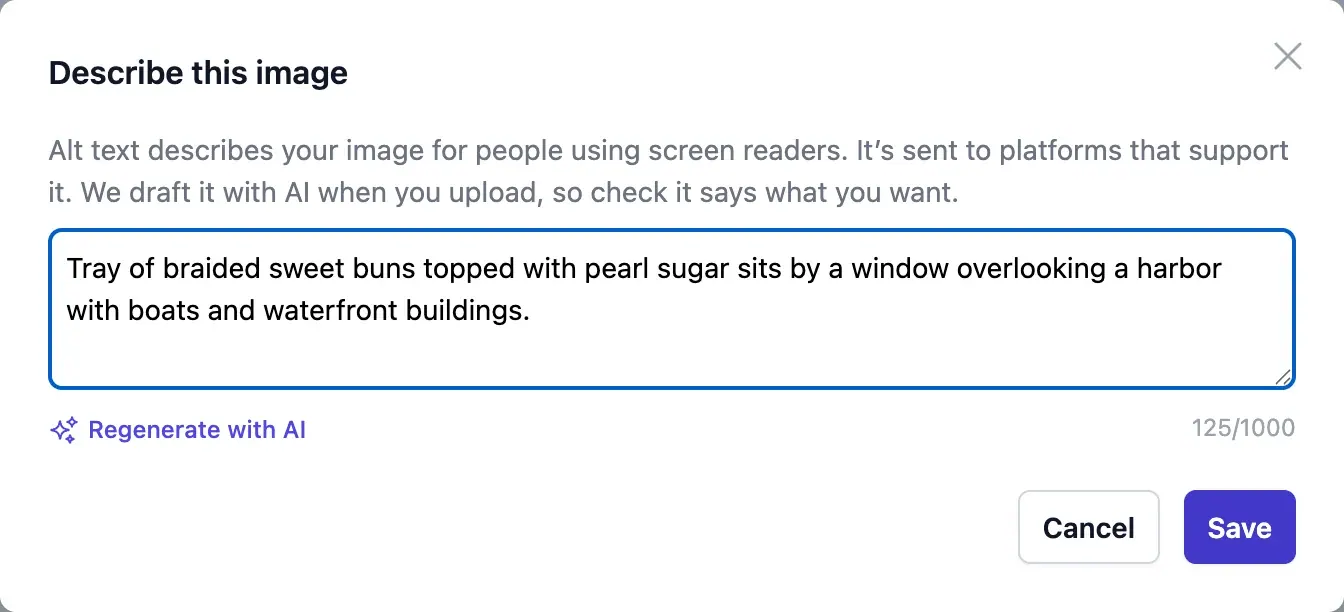
What alt text is, and who it is for
Alt text (alternative text) is a short written description attached to an image. People who are blind or have low vision hear it through a screen reader; it also shows when an image fails to load. On social media the image is often the whole message, so a post without alt text can be completely empty for someone using a screen reader - particularly a graphic, where the price or the date exists only as pixels.
Where you can add it
Instagram, Facebook, X, LinkedIn, Threads and Bluesky all let you add alt text to images, usually from an “alt text” or “accessibility” option when you attach the image. Some will write an automatic description if you do not, but those are generic (“may be an image of food”) and miss what matters. TikTok and YouTube do not take alt text on video in the same way, so describe what is important in the caption instead.
How to write it
Good alt text describes what someone would miss if they could not see the image, in the context of the post. It is usually one or two sentences.
- Say what matters for this post, not everything in the frame
- Include any text in the image, word for word - on a graphic, that is the point
- Name things the viewer would want named: the product, the place, the person if they are identified in the post
- Skip “image of” and “picture of” - screen readers already say it is an image
- No hashtags or keyword stuffing; it is read aloud
Examples
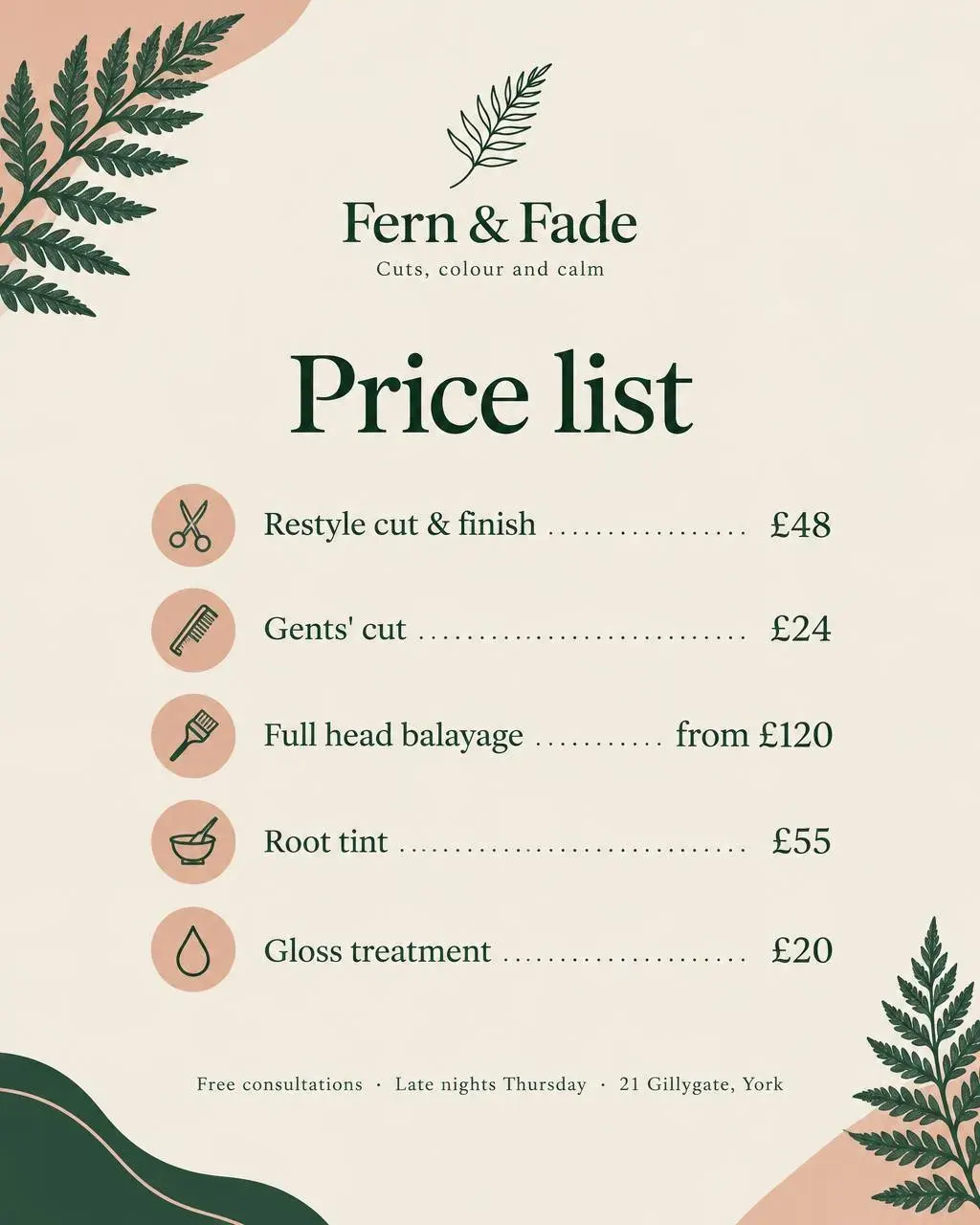
Two images from our demo businesses, with weak and better descriptions. Notice that the better version for the graphic is mostly the words on it.
- Weak: “Salon price list.” Better: “Fern & Fade price list: restyle cut and finish £48, gents’ cut £24, full head balayage from £120, root tint £55, gloss treatment £20. Free consultations, late nights Thursday, 21 Gillygate, York.”
- Weak: “Gym class.” Better: “Three adults deadlifting in a brick-walled gym while a coach crouches to watch their form.”

Can AI write it for you?
Mostly, yes - and for most brands AI alt text is far better than the nothing they post now. Current vision models describe photos accurately and read the text on graphics well. Where they fall short is context: they cannot know that the person is your head baker, that the pastry is this week’s special, or which detail the post is really about. So the right workflow is AI first, human check: let it draft every description, then spend a few seconds on the images where a name or a product matters.
Where Fluxi fits
Fluxi writes alt text with AI for every image you upload or make with Media Agent, free, and shows an ALT badge on the thumbnail so you can check or change it. It sends the description with the image when it publishes to Instagram, X, LinkedIn, Threads and Bluesky, and AI Agent reads it when it writes a post about the image - so a good description helps the post get the details right as well.