The anatomy of a prompt that works
A good social media image prompt reads like a brief to a designer, not a search query. It does not need special syntax or a list of camera settings. It needs six things, roughly in this order - and the more of them it has, the less the model has to guess.
- What it is: a photo, or a graphic such as a price list, a poster or an announcement card
- The exact words and numbers to put on it, in quotation marks
- What it shows: the product, the room, the person (unbranded), the mood
- How it is laid out: a grid, a list with dotted leaders, a header band, icons for each item
- Your colours, by name or hex, and whether to place your logo
- What to leave out: “no people”, “no text”, “keep everything else the same”
Prompts for price lists and menus
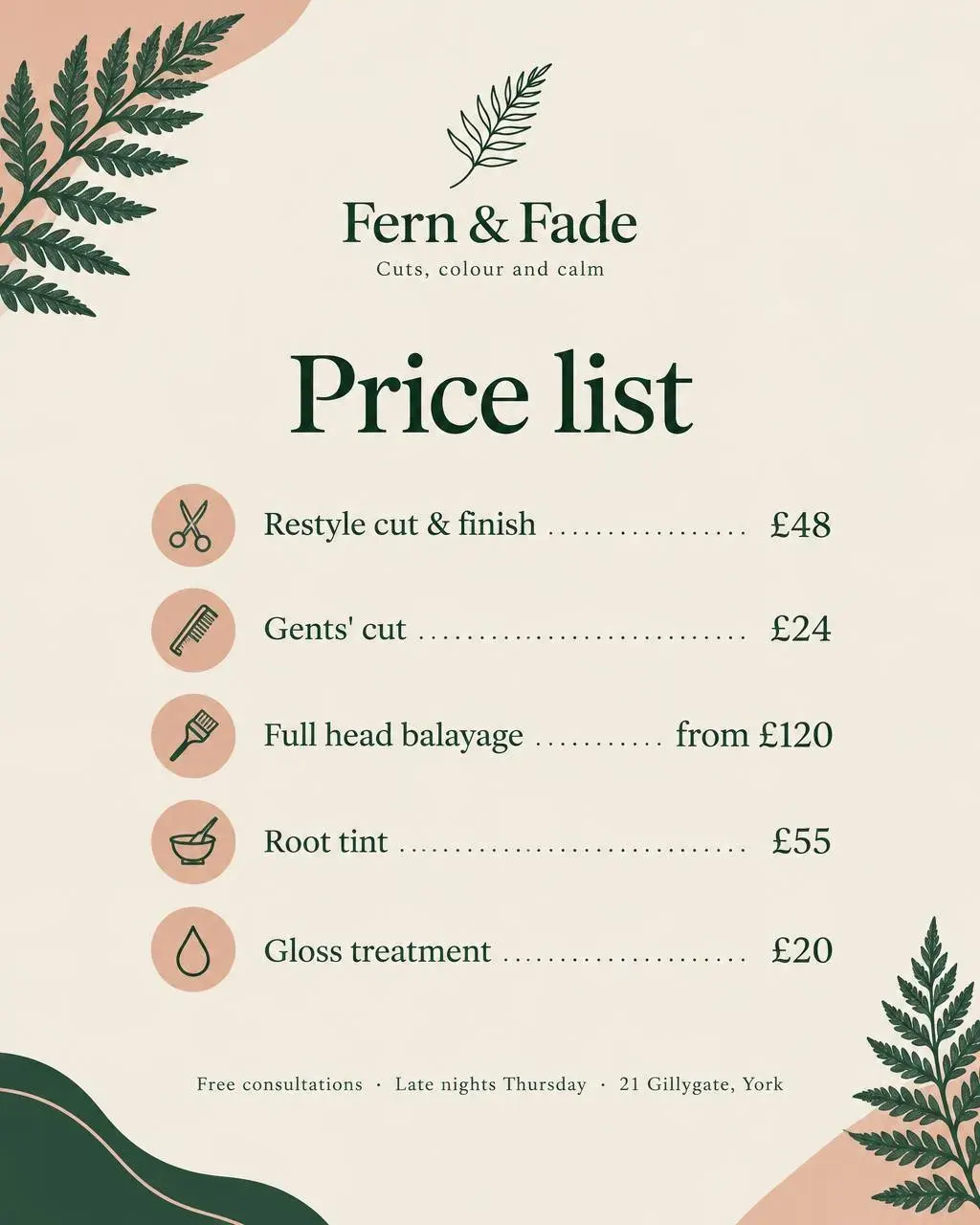
Price lists are the post most small businesses need and least enjoy making. List every item and price exactly; ask for alignment (dotted leaders) and an icon per line; finish with a footer for the address or booking line.
- Our autumn price list as an Instagram graphic, titled “Price list”. Services with prices, neatly aligned with dotted leaders: Restyle cut & finish £48, Gents’ cut £24, Full head balayage from £120, Root tint £55, Gloss treatment £20. A small line icon beside each (scissors, comb, brush, colour bowl, droplet). Footer: “Free consultations · Late nights Thursday · 21 Gillygate, York”. Deep green, blush and cream, botanical fern accents, with our logo.
- Our lunch menu as a clean card: three sandwiches and three soups with prices, a small line icon for each, “Served 12 to 3pm” in the footer. Cream and forest green, with our logo.
Prompts for timetables and opening hours
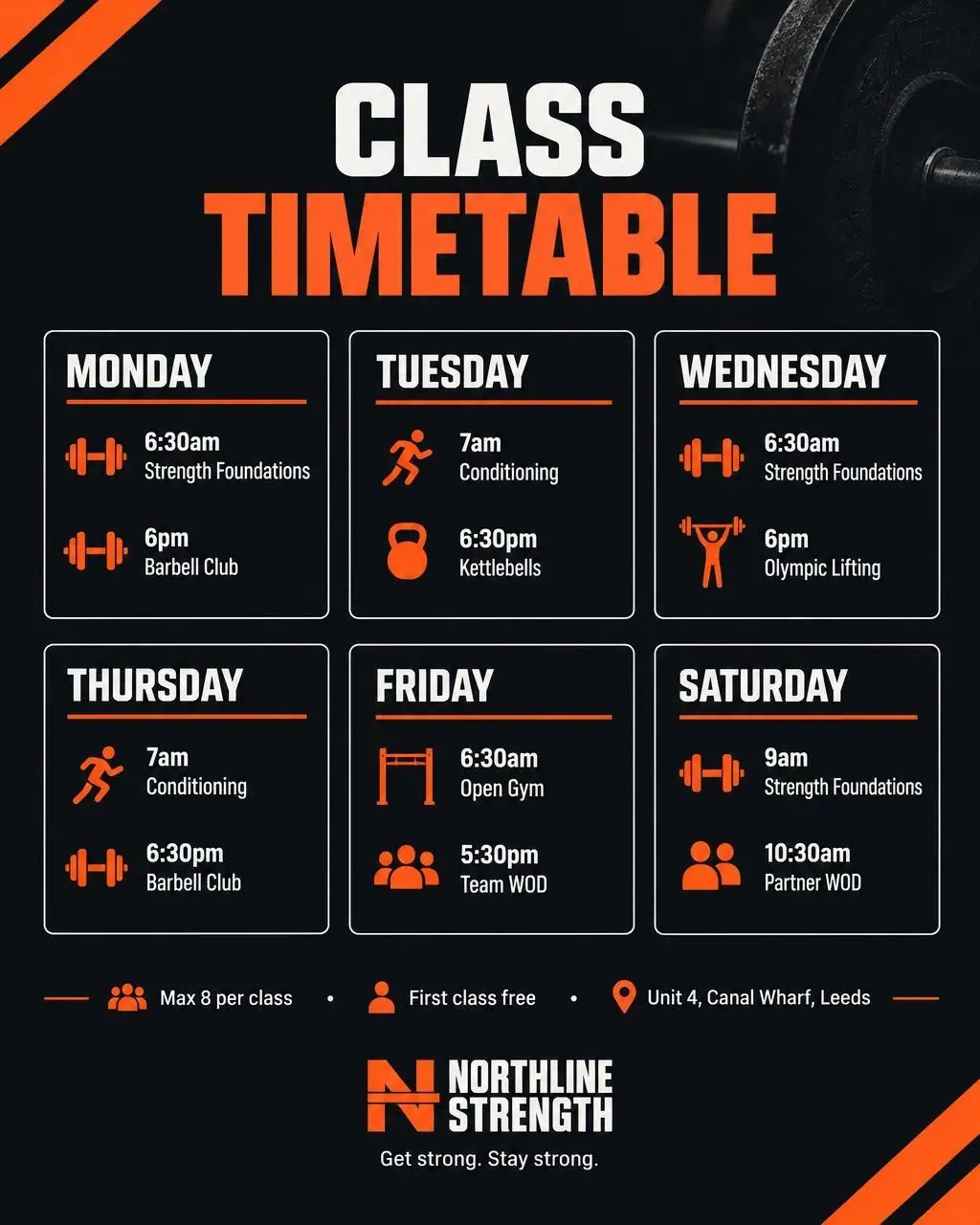
Anything with days and times works well as a grid. Give the rows in order and say “one row per day”.
- Our weekly class timetable as a clean grid graphic, titled “Class timetable”. Monday: 6:30am Strength Foundations, 6pm Barbell Club. Tuesday: 7am Conditioning, 6:30pm Kettlebells. Wednesday: 6:30am Strength Foundations, 6pm Olympic Lifting. Thursday: 7am Conditioning, 6:30pm Barbell Club. Friday: 6:30am Open Gym, 5:30pm Team WOD. Saturday: 9am Strength Foundations, 10:30am Partner WOD. Small icons for each class type. Footer: “Max 8 per class · First class free · Unit 4, Canal Wharf, Leeds”. Near-black, safety orange and white, with our logo.
- Our Christmas opening hours as a clean list: 23 December 8am to 4pm, 24 December 8am to 1pm, 25 and 26 December closed (crossed through), 27 December back to normal. Navy and gold, with our logo.
Prompts for offers
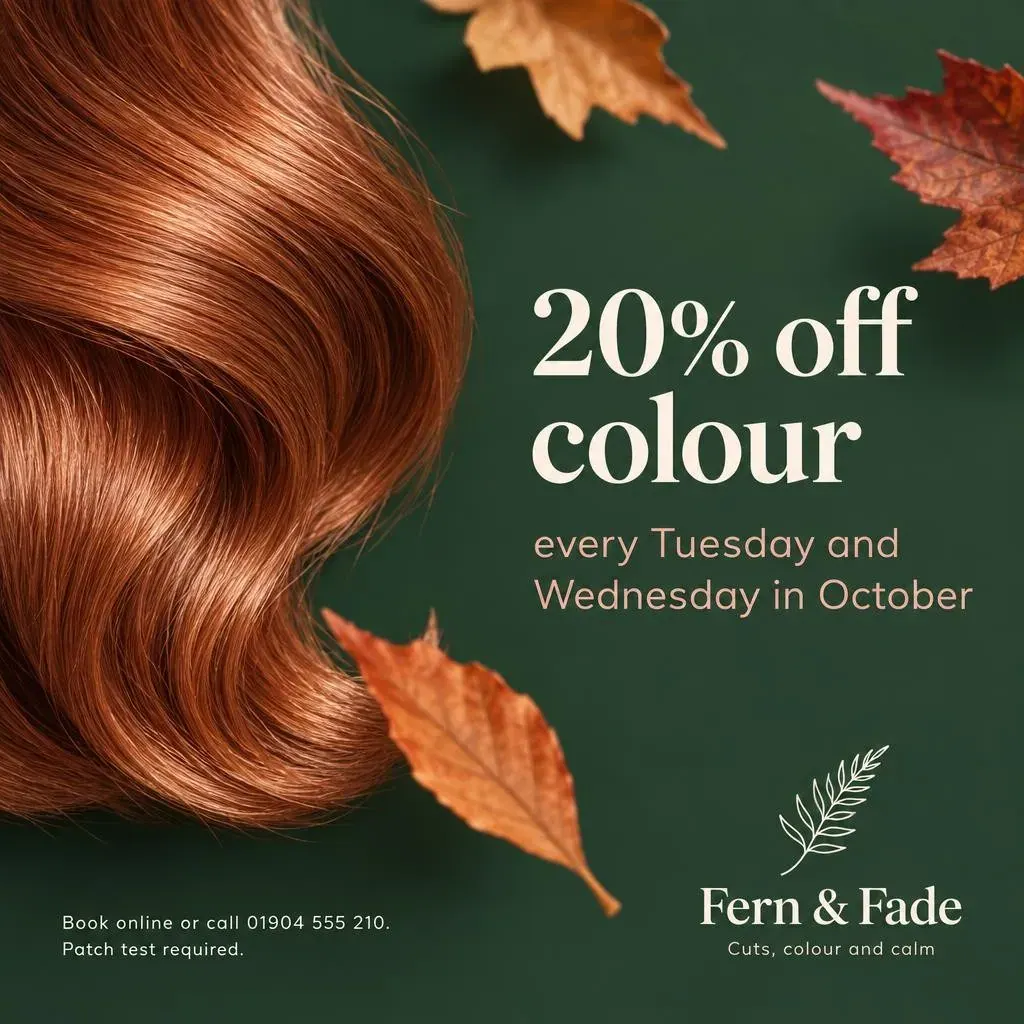
Lead with the offer in the fewest words, then the conditions in small print. Always put the terms on the image - “patch test required”, “Mondays only” - so the graphic is not misleading on its own.
- An autumn colour offer: “20% off colour”, every Tuesday and Wednesday in October. Show a glossy copper hair swatch and a few autumn leaves. Small print: “Book online or call 01904 555 210. Patch test required.” Deep green, blush and cream, with our logo.
- “2 for 1 on lunch, Mondays in November” card with our menu’s three best sellers and prices
- A “20% off your first order” graphic with the code WELCOME20 in large type
- A Black Friday card listing our three biggest deals with the old and new price
Prompts for events and announcements
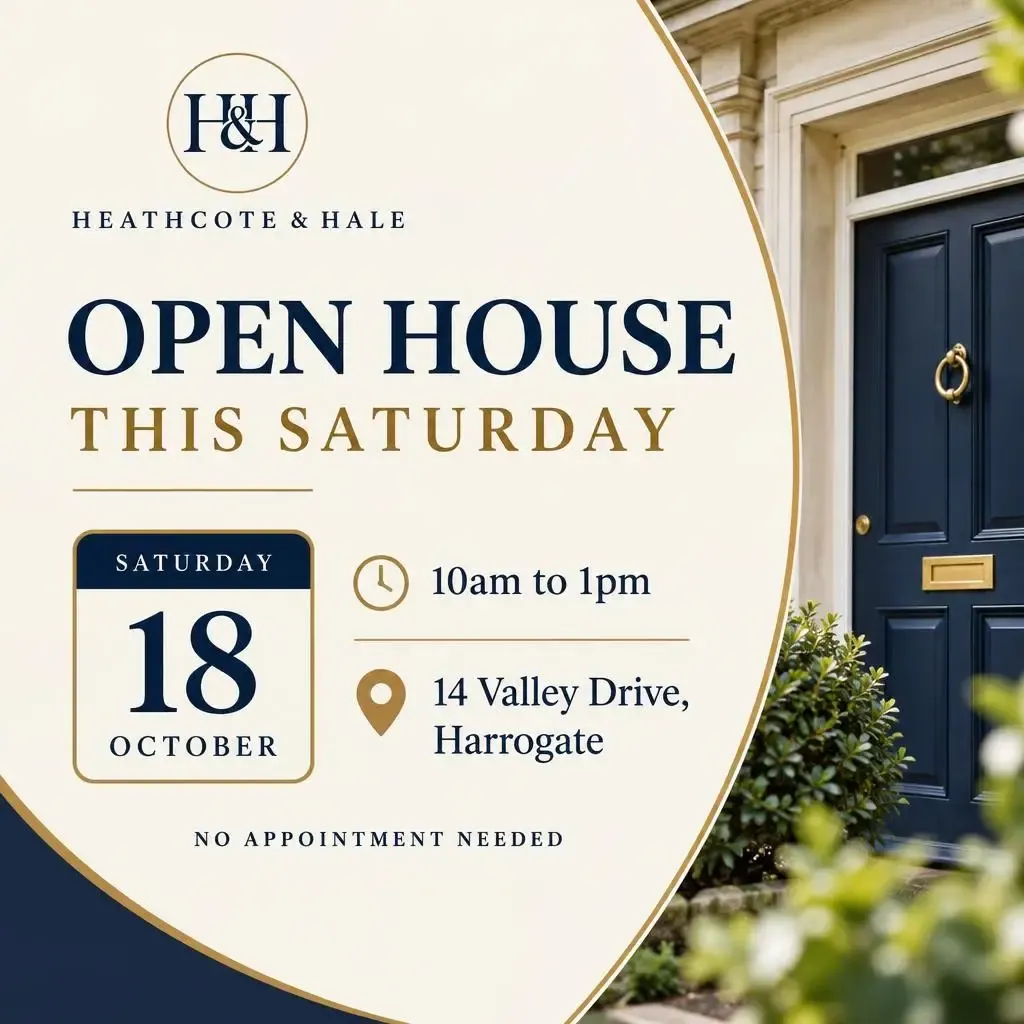
Dates are the information people act on, so make them the biggest thing on the image. A calendar tile or a countdown is easier to read at a glance than a sentence.
- An “Open house this Saturday” graphic for 14 Valley Drive, Harrogate: Saturday 18 October, 10am to 1pm, no appointment needed. Show the date large like a calendar tile, with a small clock icon for the time and a map-pin icon for the address. Clean, premium, navy and gold, with our logo.
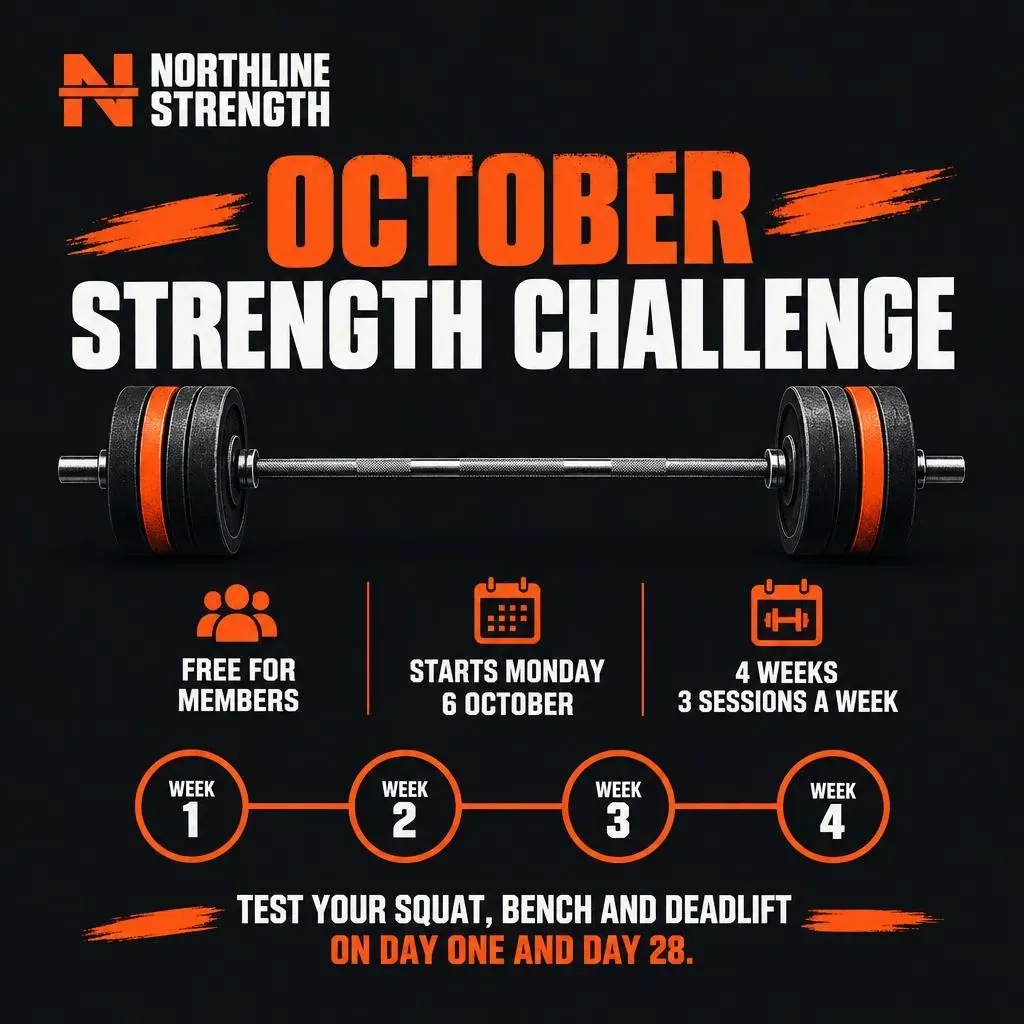
- Announce our October Strength Challenge: free for members, starts Monday 6 October, 4 weeks, 3 sessions a week. Show a simple 4-week progress tracker (week 1 to week 4) and a barbell icon. “Test your squat, bench and deadlift on day one and day 28.” Bold, energetic, near-black and safety orange, with our logo.
- A poster for our open evening: Thursday 6 November, 6 to 8pm, free drinks, booking link in bio
- A “We’re hiring” card for a weekend barista: hours, pay and how to apply
- A “New in” graphic for our winter range, with each product name and price
- A countdown card: “3 days to go” before our summer sale
Prompts for photos
For a photo, describe the scene, the light and the mood, and say “no text” so the model does not add any. If there are people, describe them generally and ask for plain, unbranded clothing.
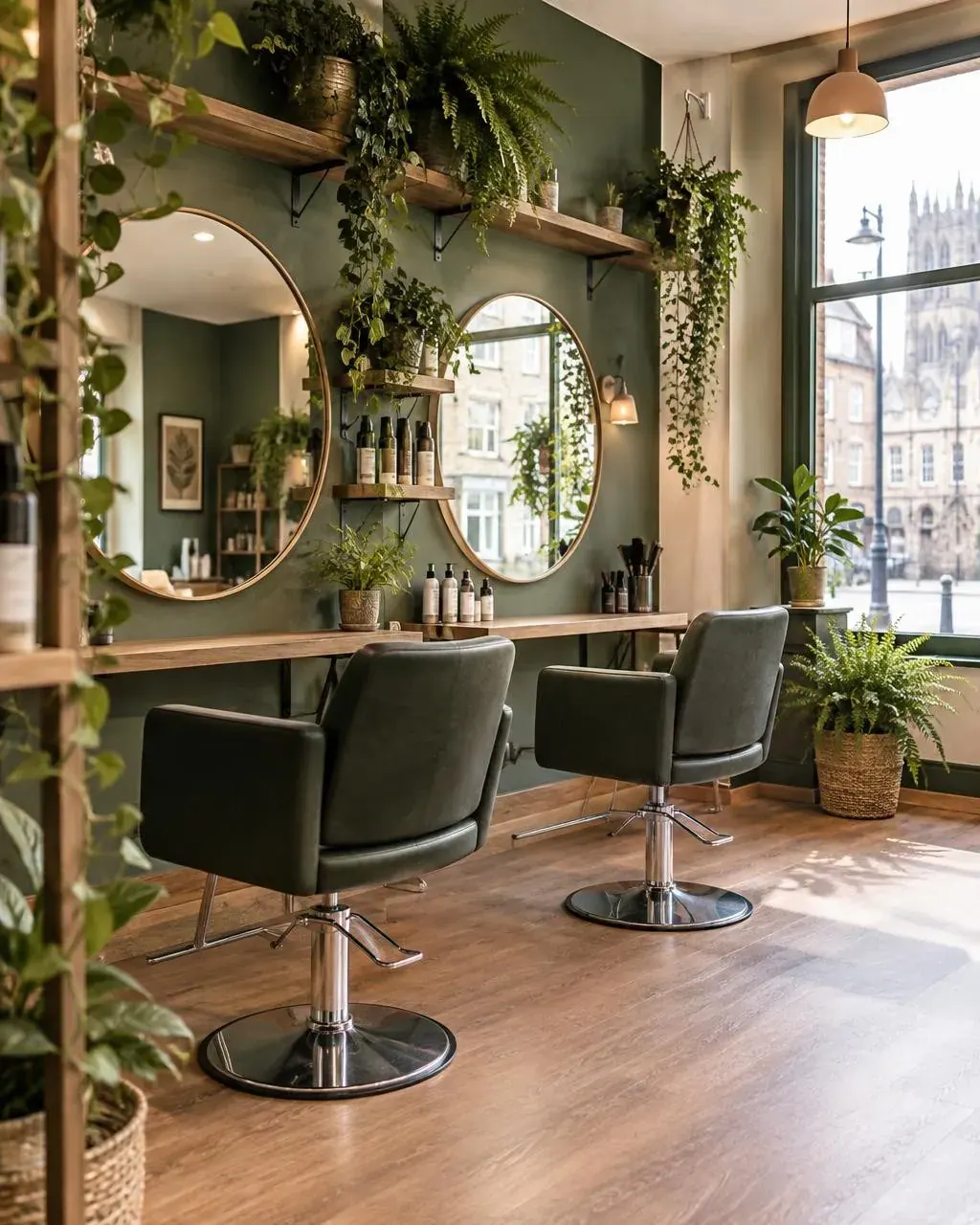
- Inside our calm, plant-filled hair salon on a bright morning: two styling chairs facing round mirrors, trailing plants and ferns on shelves, warm wood and sage-green walls, a large window onto a York street. Natural, no people, no text.
- A small-group strength class in our gym: three adults of different ages and builds deadlifting with good form under a coach’s eye, chalk in the air, warm industrial lighting, brick walls and black rubber flooring. Candid, natural, not posed, no text.
- A photo of our shop front on a rainy morning, lights on, nobody inside

Prompts for editing your own photos
Edit prompts describe a change, so say just as clearly what must not change. “Keep everything else exactly the same” is the most useful sentence in AI image editing.
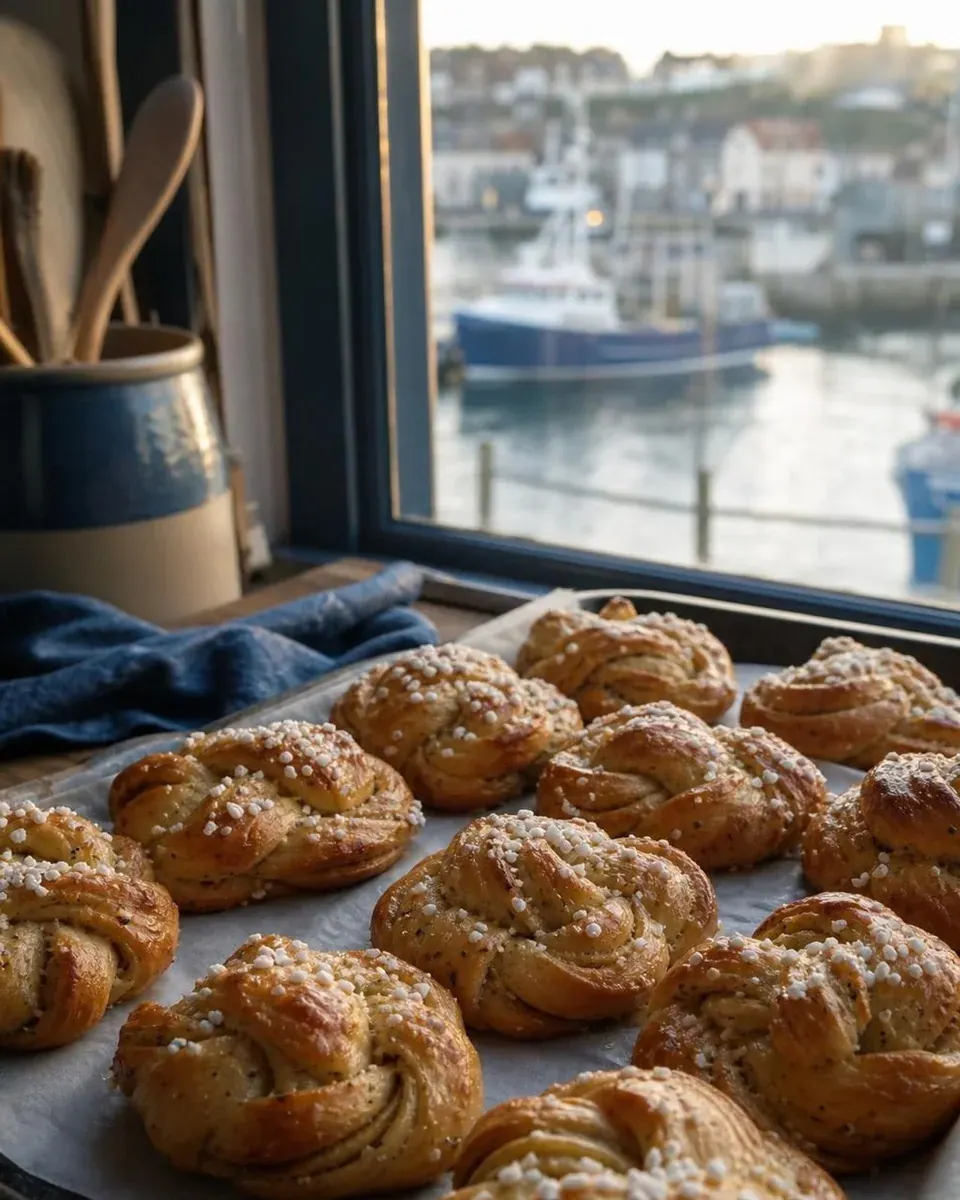
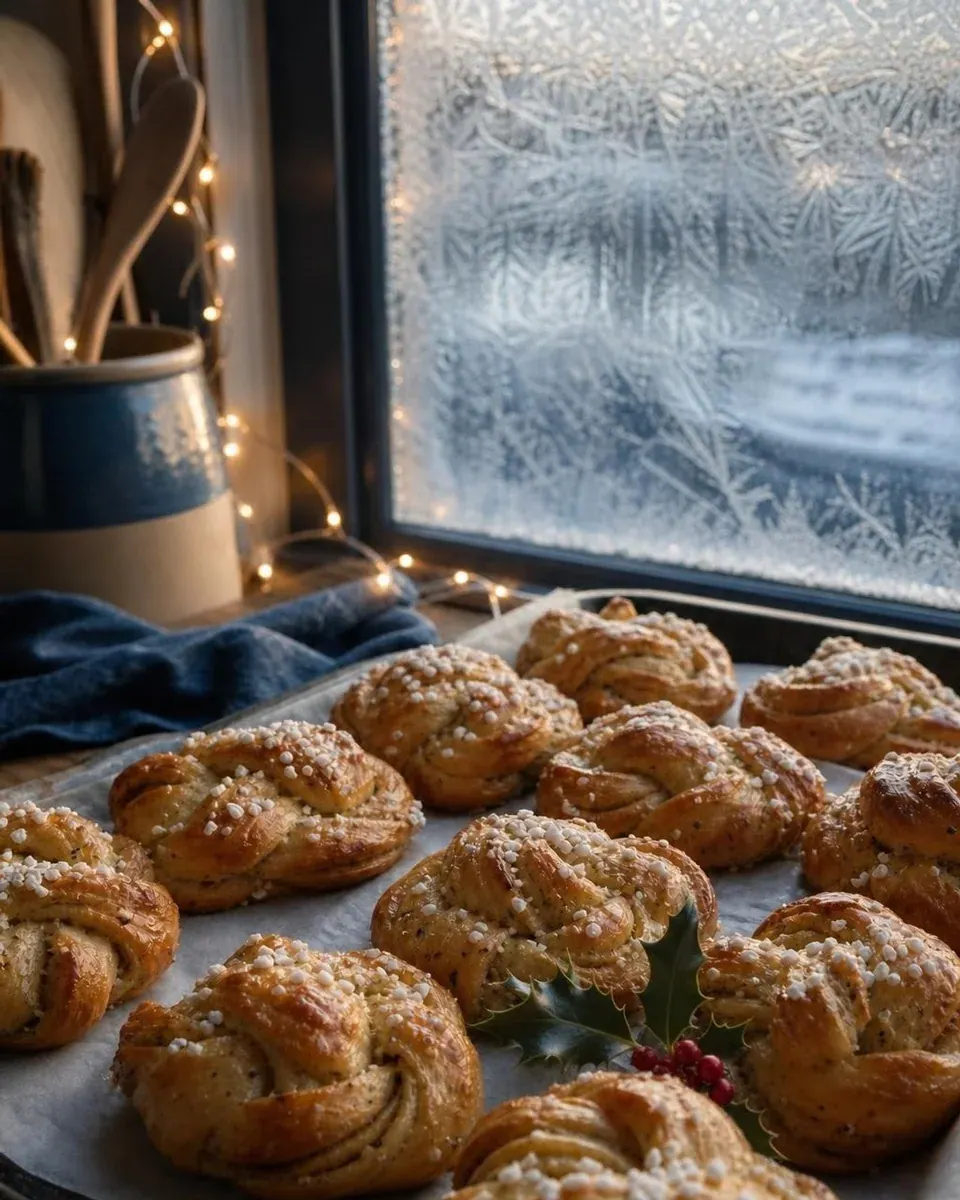
- Make it a frosty December morning: frost on the window, warm fairy lights, a sprig of holly on the tray
- Change “JUST LISTED” to “SOLD STC” and add a small gold “Sold in 9 days” ribbon in the top left corner. Keep everything else exactly the same.
- Swap the background for our navy brand colour
- Put these two products side by side on a marble counter
- Turn this customer review into a quote card with five stars and our logo
Prompts to avoid
A few kinds of prompt reliably waste time or create problems.
- “Make it pop” or “make it better” - say what should change
- Long paragraphs of tiny text - if it will not be readable on a phone, put it in the caption
- Real people’s faces or likenesses, and other brands’ logos or characters
- Invented photos of things you sell or places you rent out - show the real thing, and use AI to present it
Where Fluxi fits
In Fluxi’s Media Agent you do not have to repeat your colours, logo or shape in every prompt: they come from your business profile and the network you are posting to, and leaving the prompt empty illustrates the post you have already written. Every example on this page was typed into it as written.