AI Images
The image for the post, made in the same place as the post
AI Images is a tab beside the composer. Describe the image — or leave it blank and it will illustrate the post you have written — choose a photo or a graphic, and it is made at the shape the network wants, with your logo and brand colours if you ask. Then change anything in plain English until it is right.
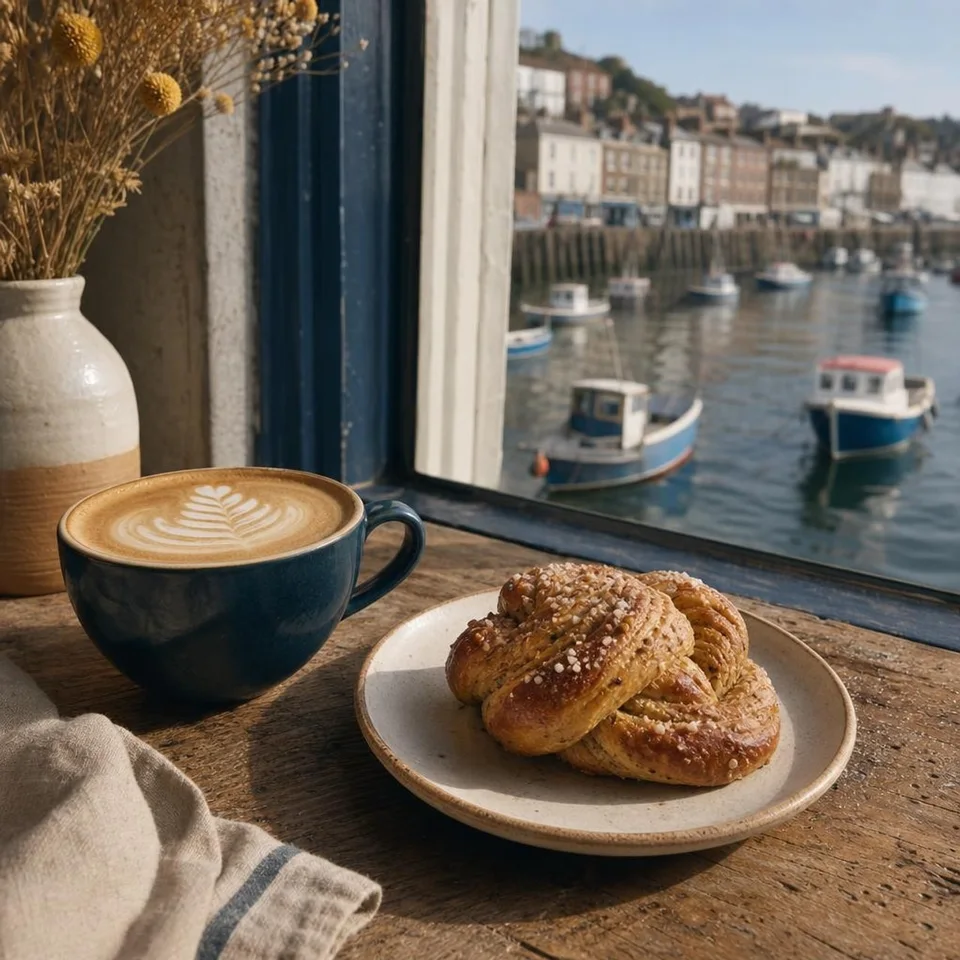
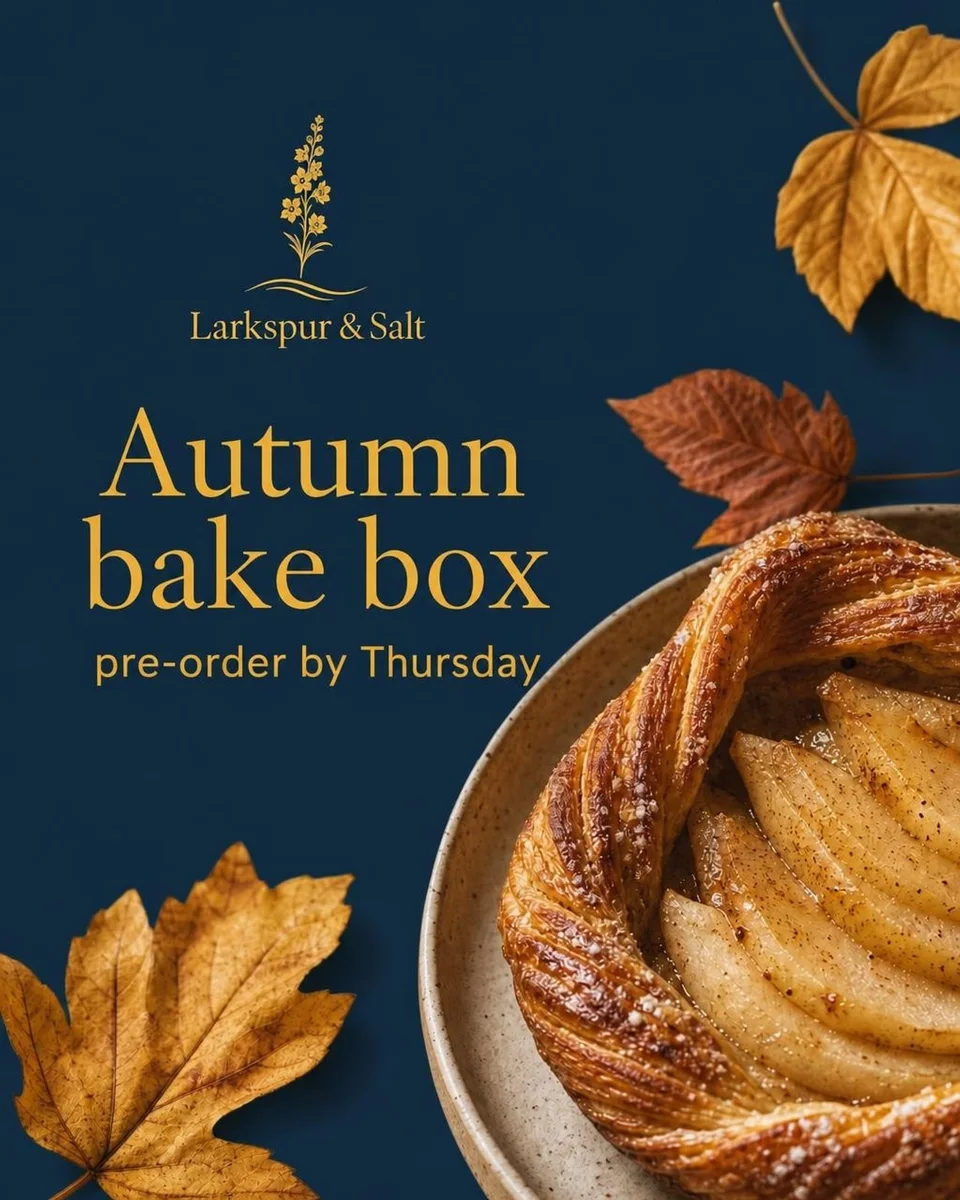
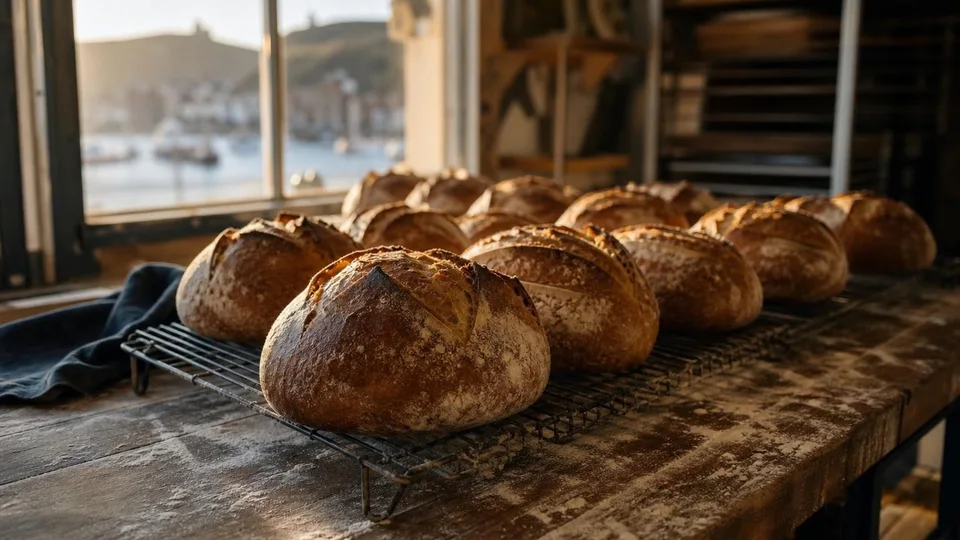
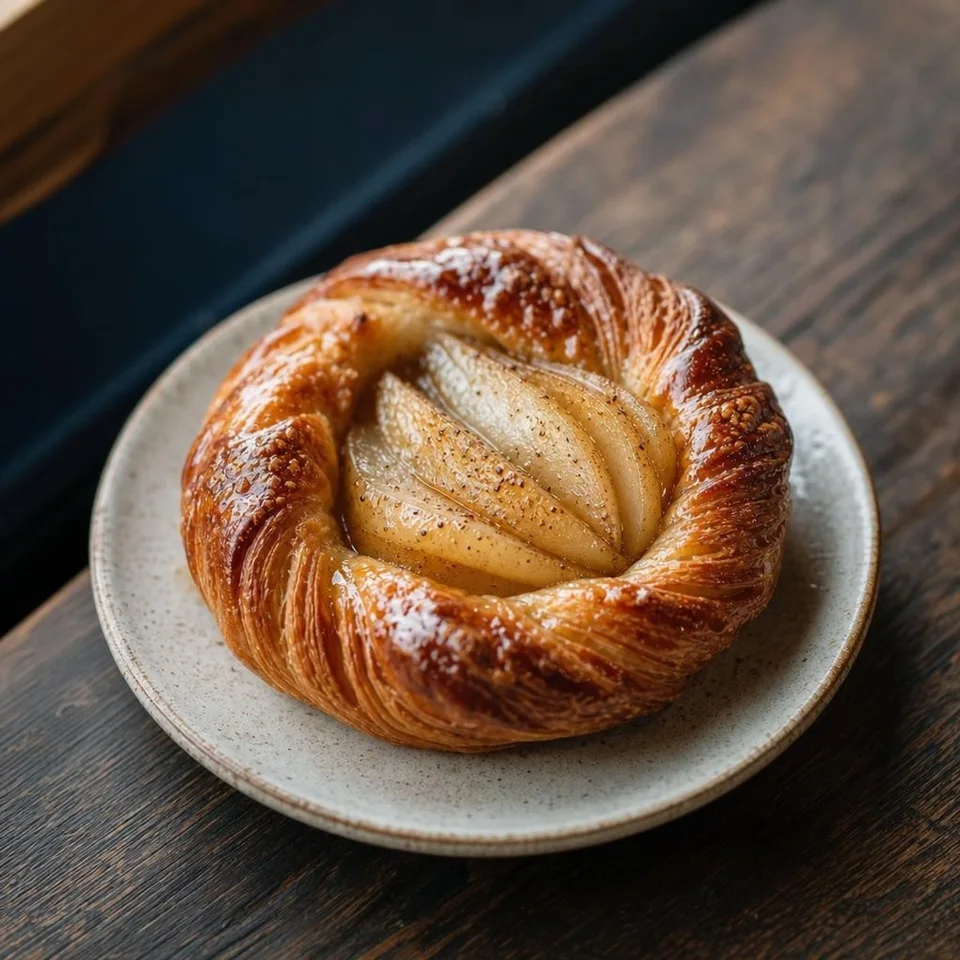


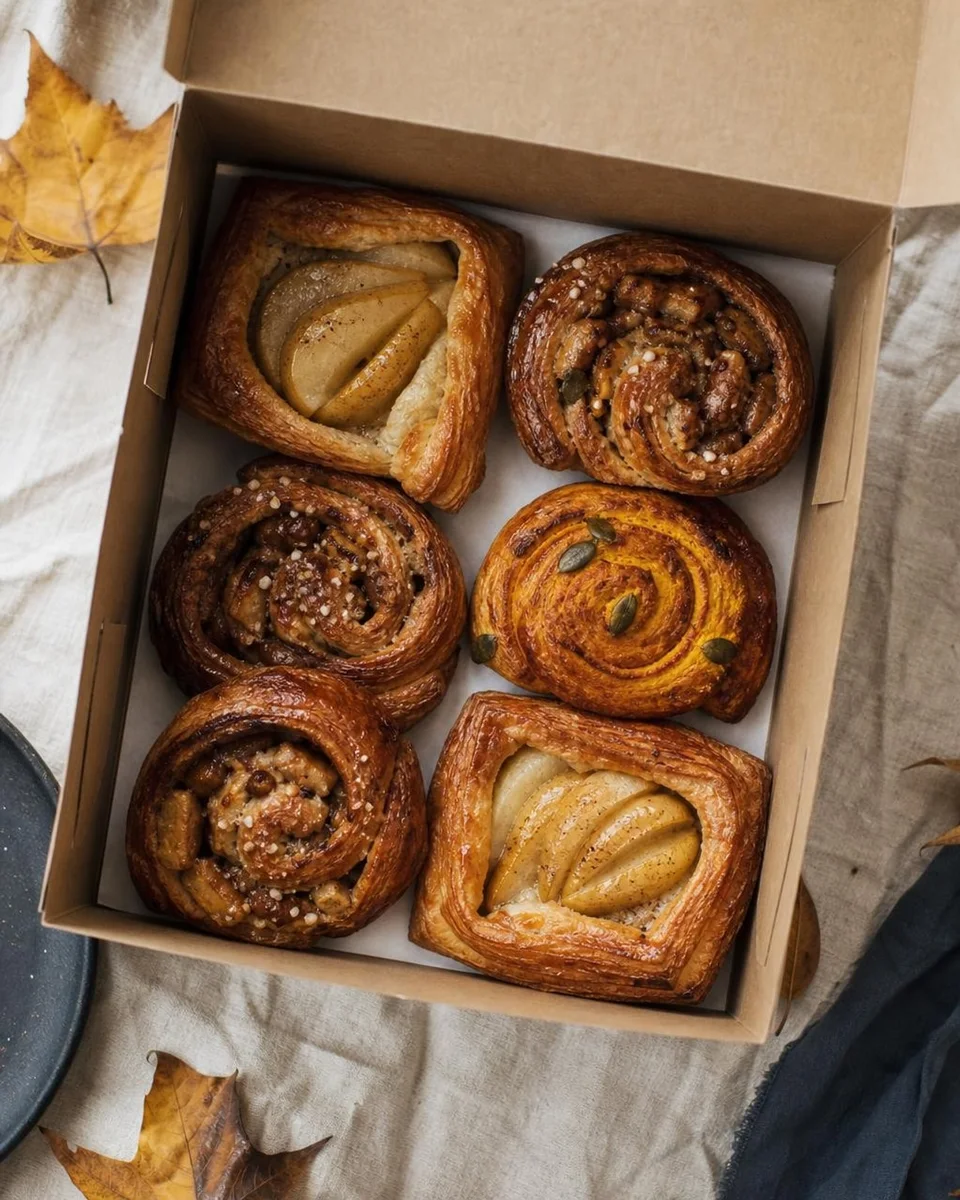


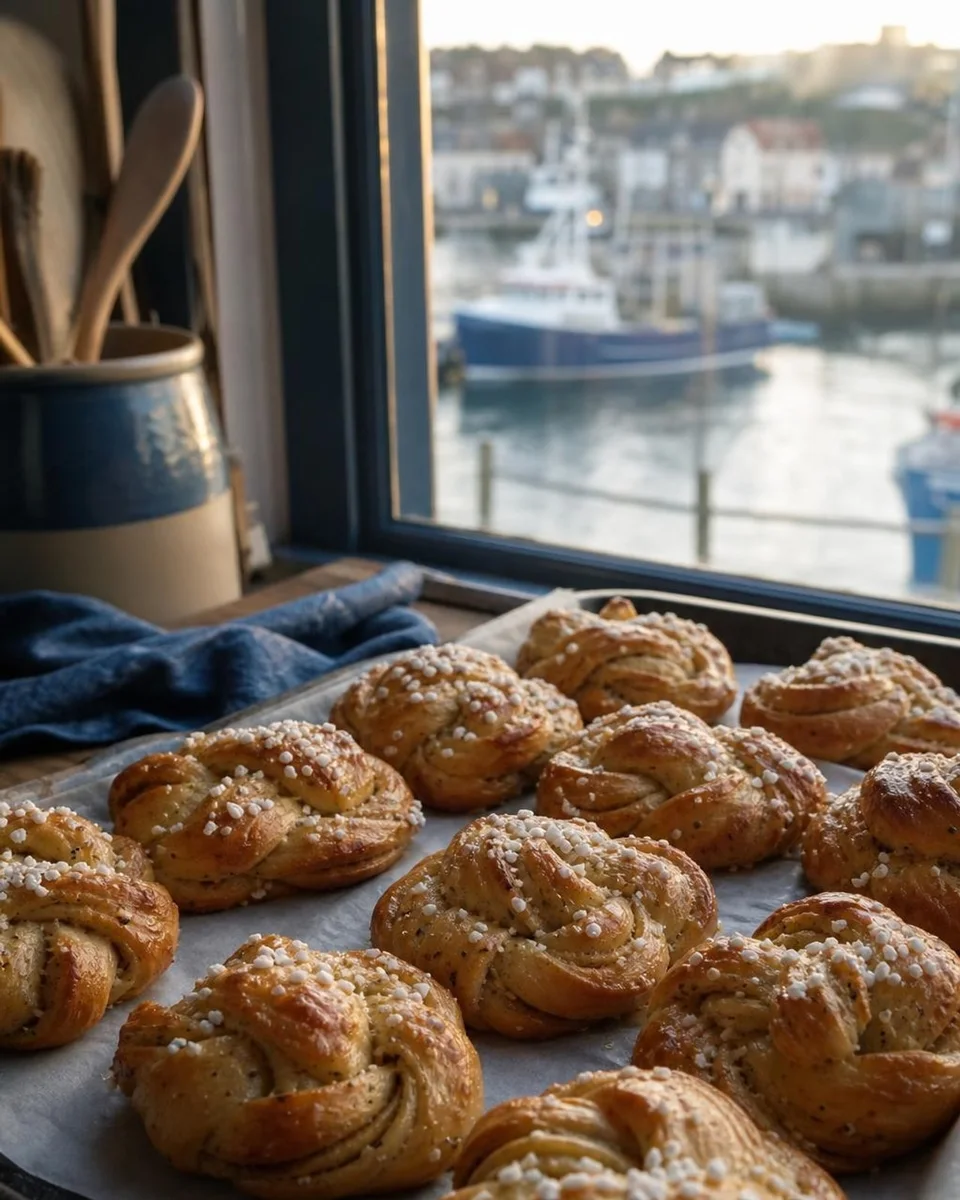
Every image here was made in AI Images for a demo bakery. Nothing was retouched.
Photos and graphics
A natural photo for the post, or a designed promo card, announcement or quote with real lettering on it.
Your logo, your colours
It designs in your brand colours automatically, and “Use logo” adds your logo exactly as it is.
Edit in plain English
Send any library photo to AI Images and describe the change. Every edit is a new version, so nothing is lost.
Only keepers are kept
Images go into your media library only when you save them or add them to a post. Your attempts stay out of it.
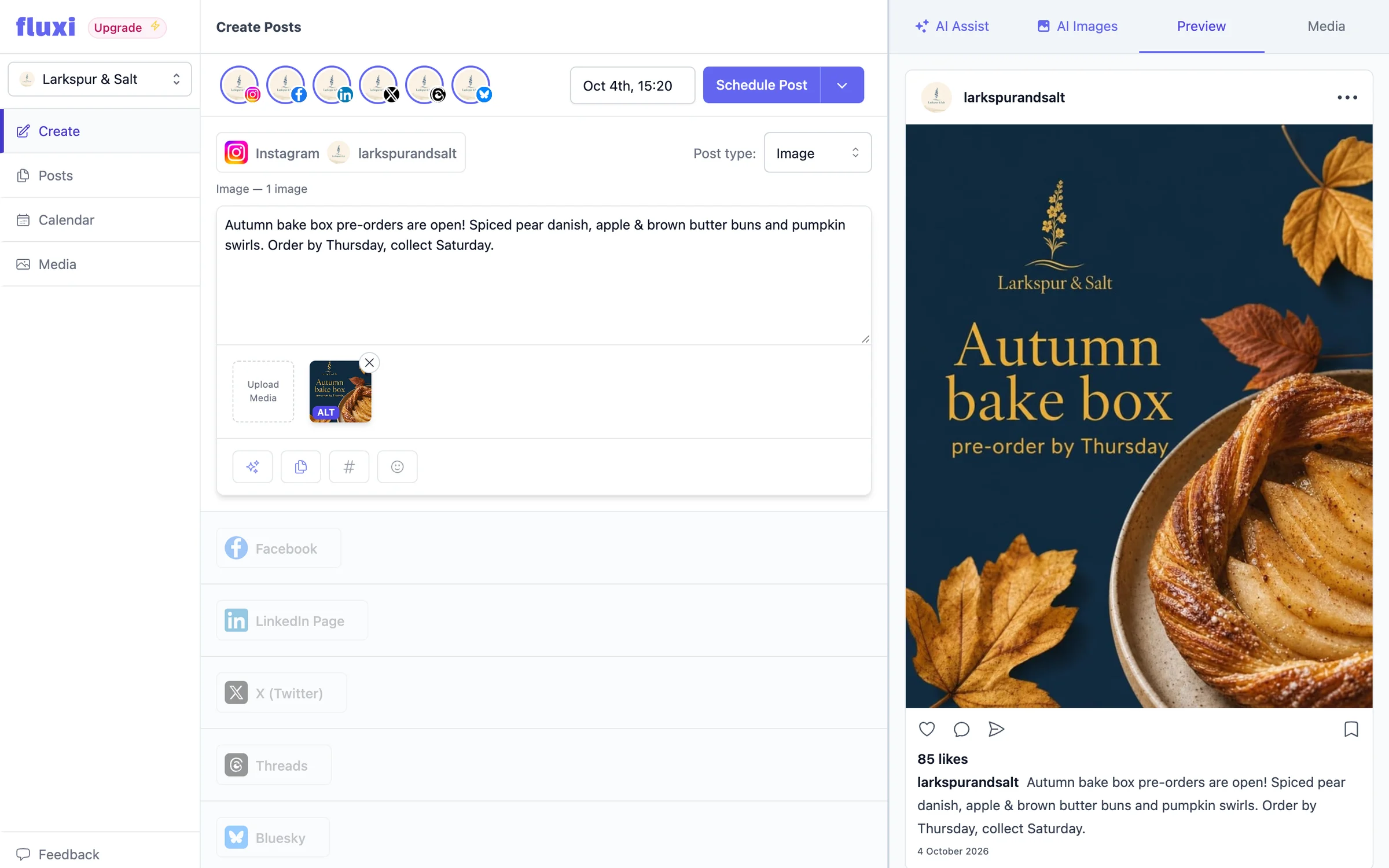
From a sentence to the right image for the post
Open the AI Images tab and describe what you want. Leave the box empty and AI Images uses the post you are writing as its brief. Choose Photo for a natural scene or Graphic for a designed piece with words on it, and pick the shape: Square 1:1, Portrait 4:5, Landscape 16:9, Story 9:16. Fluxi chooses the shape that suits the network you are posting to, so an Instagram post starts portrait and a TikTok starts as a story.
- A live preview sharpens as the image is drawn, so you know early if it is heading the right way
- Add it to the post in one click, or save it to the media library for later
- Generating again or editing costs the same, so trying another idea is never a big decision
On brand without a designer
AI Images works in the brand colours from your business profile — building a graphic on them, or gently leaning a photo’s palette towards them. Tick “Use logo” and it places your logo once, exactly as it is, never redrawn or recoloured. It is the difference between a stock-looking picture and a promo card that is clearly yours — the kind of thing that used to mean opening a design tool, finding the logo file and fiddling with layers for twenty minutes.
Edit any photo by describing the change
AI Images edits as well as creates. In the media library or the composer’s media tab, choose a photo and press Edit with AI — or upload one straight into AI Images. Then say what to change: “make it a frosty December morning”, “swap the background to deep navy”, “add our logo in the corner”. You can give it up to four images to work from at once.
Every version kept, side by side
Each generation or edit becomes a new version in a strip under the image, labelled with what was asked for. Go back to version one, edit version two, or compare them — nothing is overwritten. When one is right, add it to the post.
A tidy media library
Iterating on an image means making a lot of images you do not want. AI Images keeps those out of the way: only the versions you save or add to a post go into the media library, in their own AI Generated folder. Everything else stays out of it.
Alt text on every image, for free
Every image you upload to Fluxi gets an AI-written description for people who use screen readers, and Fluxi sends it to the networks that support alt text. It costs no credits. Check it says what you mean, edit it, or press Regenerate with AI for another go.
What it costs
Each image, or each edit of one, uses 10 AI credits from your plan’s monthly allowance — the same pool as AI Assist. The free trial includes 50 credits, enough to make a few images before you choose a plan. Alt text is free.
Questions people ask
Yes. Add your logo to your business profile, then tick “Use logo” in AI Images. It places the logo exactly as it is, and designs in your brand colours.
Yes. Choose a photo in your media library and press Edit with AI, or upload one in AI Images, then describe the change. Each edit is saved as a new version.
No. Only images you save or add to a post are stored in your library. The rest are discarded.
Square 1:1, Portrait 4:5, Landscape 16:9, Story 9:16. Fluxi picks the one that suits the network you are posting to, and you can change it.
10 AI credits per image or edit, from the same monthly allowance as AI Assist. AI alt text is free.
Get your next week scheduled
Connect an account, write a post and put it in the calendar. You can do all of it on the free trial, today.
14 days free. No card required.